10
English
Temperature alarm outdoor (sensor)
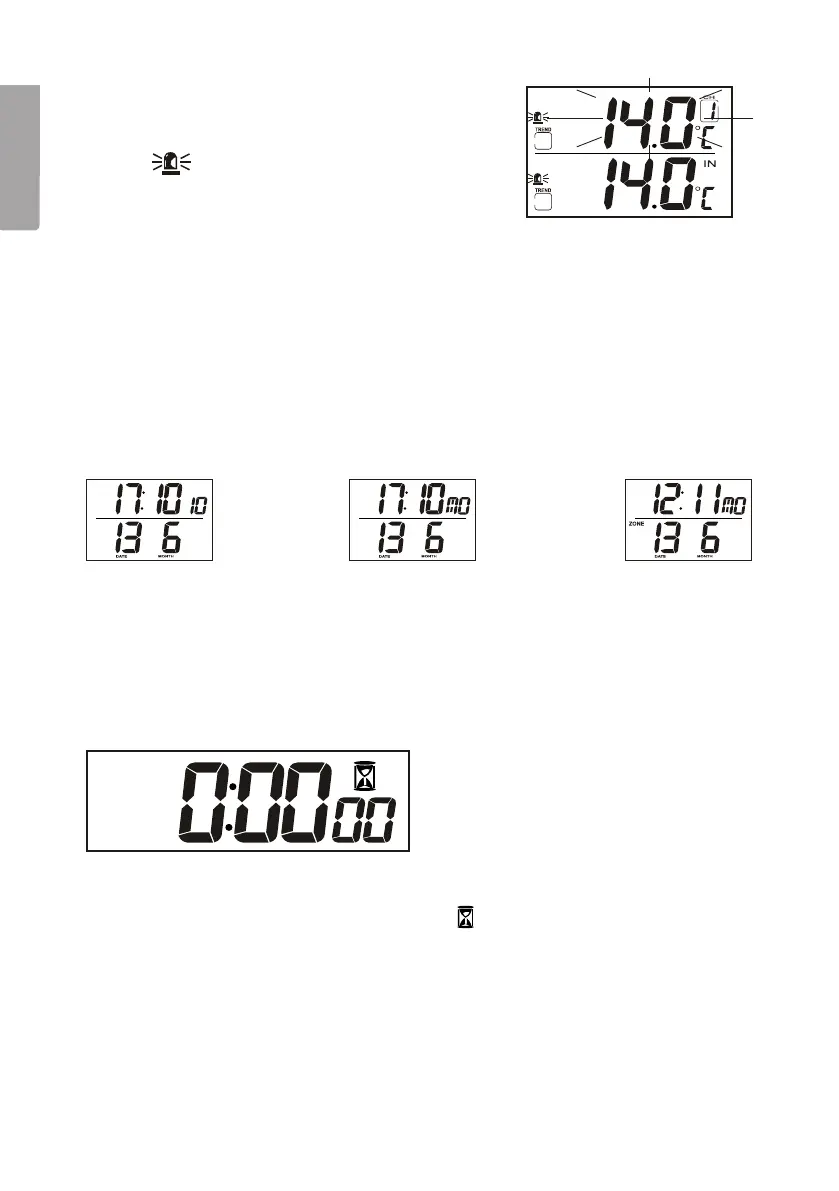
1. Press [Mode/Snooze] repeatedly to get to
theoutdoor temperature alarm setting mode.
The
symbol appears on thedisplay.
2. Press [Channel] to select asensor.
3. Press [Alarm/C/F] repeatedly to switch between
temperature alarms for high and low temperatures
and also to activate thealarm.
4. Press [Hour/+/Max] or [Minute/-/Min] to set thetemperature for when thealarm
should sound.
5. Press [Mode/Snooze] to confirm thesetting.
When thetemperature alarm sounds
The display shows which channel it is set to and also whether thealarm is for rising or
falling temperature. Press any button to shut thealarm off.
4.3 Different ways to display thetime
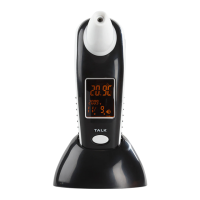
There are three different ways of displaying thetime and date. Switch between these
by pressing [Mode/Snooze].
1. Hours, minutes, seconds, date and month.
2. Hours, minutes, weekday, date and month.
3. Timezone 2: Hours, minutes, weekday, date and month.
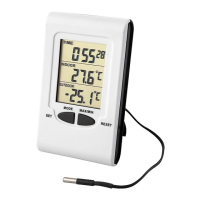
4.4 Timer function
You can set thetimer to have theclock count down and have thealarm sound after
theset countdown time. Thealarm is turned off by pressing any button.
1. Press[Mode/Snooze] until thetimer symbol
appears.
2. Press[Hour/+/Max] to set thehours and press [Minute/-/Min] to set theminutes
and press [Channel] to set theseconds.
3. Press[Alarm/C/F] to start thecountdown.
• Press [Alarm/C/F] again to stop thecountdown.
• Press [Alarm/C/F] once more to restore theset countdown time.
• Press [Alarm/C/F] one more time to start thecountdown again.


 To Next Page