7
English
1
2
1
S E T
C / F
-
A A 1. 5 V
+
-
A A 1. 5 V
+
1
1
1
%
1
1
1
2
1
S E T
C /F
-
A A 1 . 5V
+
-
A A 1 . 5V
+
1
1
1
%
1
1
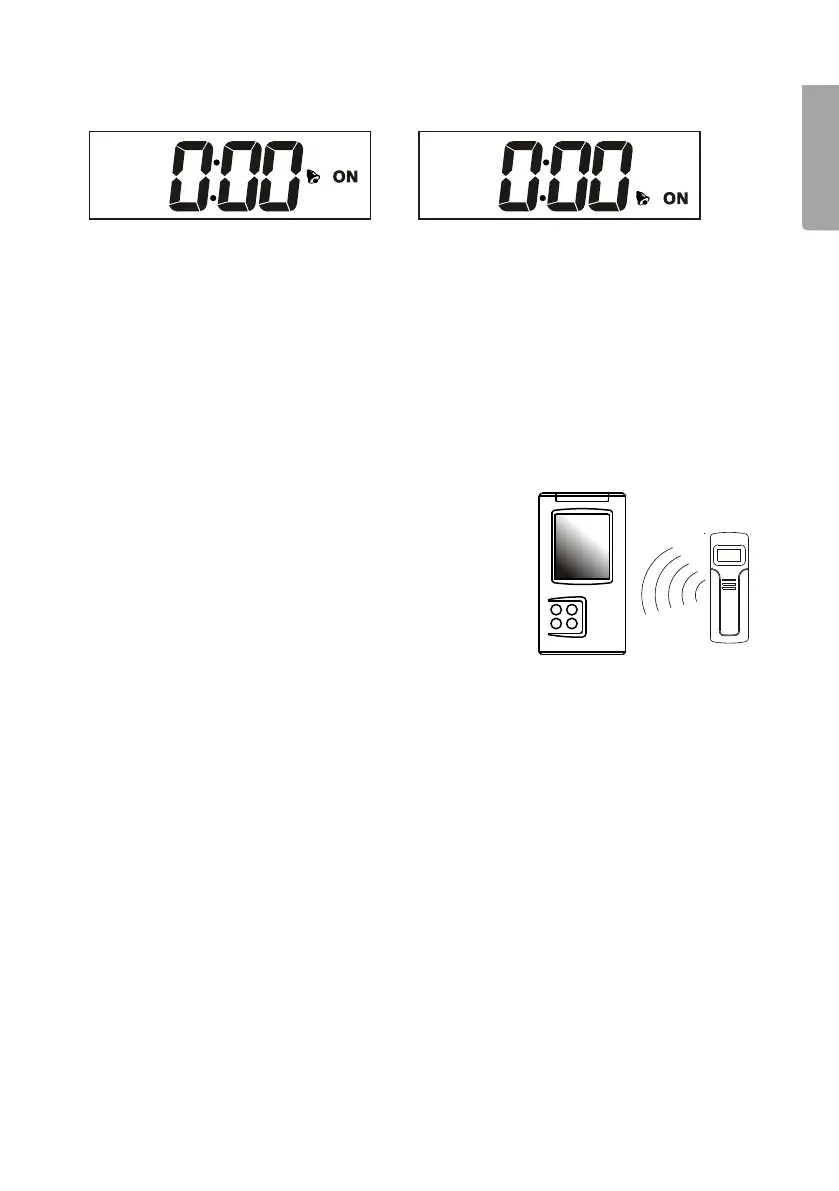
3.2 Setting thealarm
1. Press[Mode/Snooze] repeatedly until you get to Alarm 1 or 2.
2. Press[Hour/+/Max] to set thehours and press [Minute/-/Min] to set theminutes.
3. Press[Alarm/C/F] to activate or deactivate thealarm. “ON” will appear next to
thealarm symbol if thealarm is activated.
4. Push[Mode/Snooze] to save thesetting.
5. The alarm sounds for two minutes. Thealarm can be turned off by pressing any
button or can be delayed for five minutes using thesnooze function by pressing
[Mode/Snooze].
3.3 Synchronising theoutdoor temperature
Automatic synchronisation
1. Thesynchronisation starts automatically and
lasts for about three minutes when you insert
thebatteries for thefirst time.
2. Duringthese three minutes thereceiver emits
an audible signal, captures thetemperature
information and displays it on thereadout.
Note: If thereceiver does not receive any signals within three minutes “- - -” appears
instead of thetemperature.
Move theunits closer together and repeat theautomatic synchronisation process
by removing thebatteries. Leavethebatteries out for at least one minute.
Replacethebatteries, first in thereceiver and then in thesensor. Placethedisplay
unit (receiver) and sensor next to each other during this process.
Manual synchronisation (searching for signals)
If you add another sensor to thesystem or if thereceiver loses thesignal (digits for
theoutdoor temperature flash) you need to synchronise thesystem again.
1. Holdin [Channel] for three seconds when thereceiver is in clock mode.
2. Anaudible signal informs you that thesynchronisation has begun.
3. The“CH” symbol flashes and thereceiver emits an audible signal when it has
located thenew sensor.
4. Thetemperature at thesensor is displayed on thereadout.
Note: The synchronisation procedure lasts about three minutes. Iftheunits have not
found one another within that time, try new positions until asignal is received.


 To Next Page