Learning Function
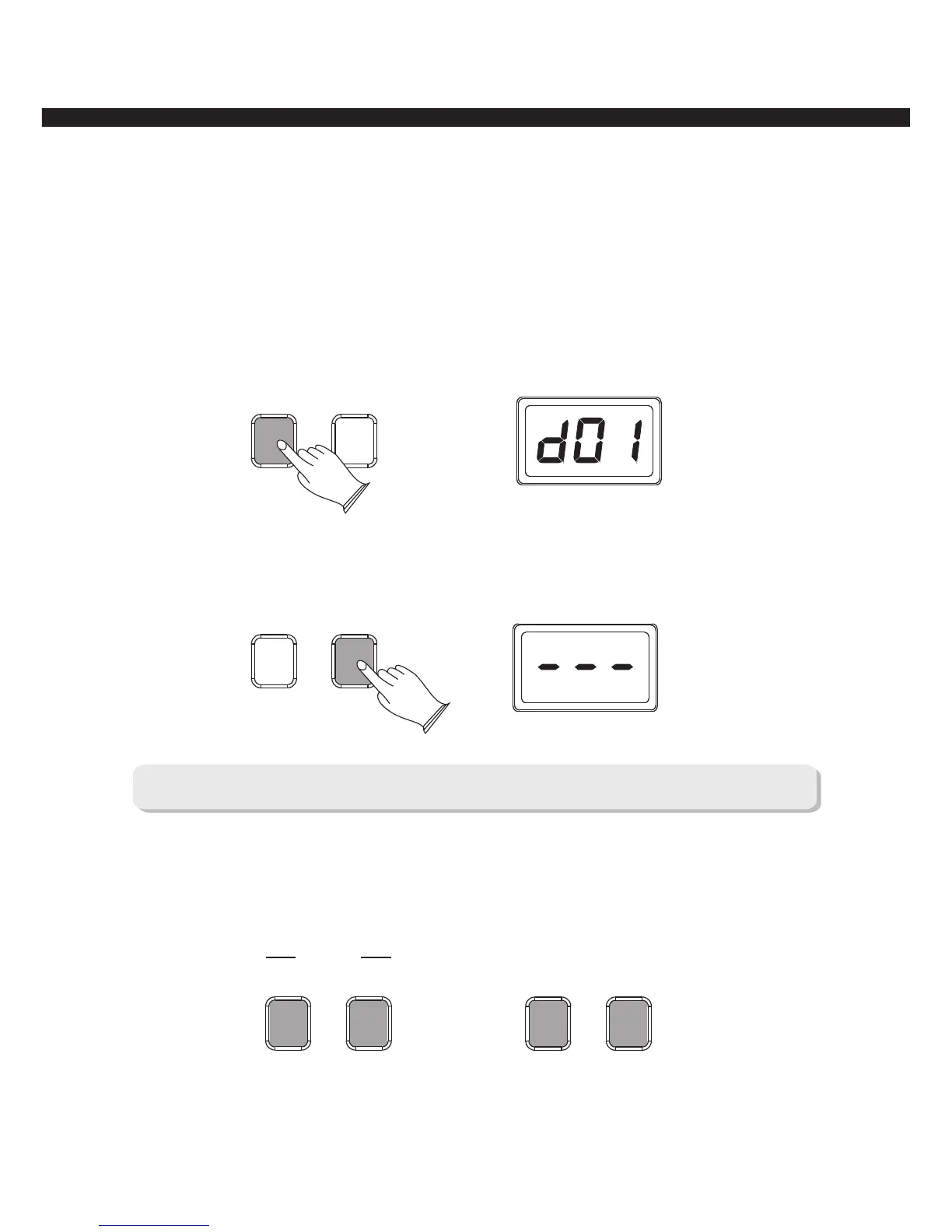
There are two methods for Learning: [ONE KEY] and [FOLLOW]
Press [ONE KEY] to learn the style of the song, you can play any key on the keyboard, the
instrument will play accurately according as the tempo and style you played.
Press [ONE KEY] button,current song number will be displayed,press any key on the
keyboard to start the song, all the demo songs will be played in sequence repeatedly, press
[ONE KEY] button again to stop playing.
ONE KEY
FOLLOW
Use [FOLLOW] to learn the song accurately. Press [FOLLOW] button, LED display --- ,
now play the keyboard to start the song. If you do not play any key on the keyboard within 5 seconds,
the instrument will play the melody automatically. Press this button again to stop playing.
“ ”
ONE KEY
FOLLOW
Note: use [LOOP ] or [LOOP ] button to select the song's number.ONE ALL
For example: To learn sixth song, press [LOOP ONE] or [LOOP ALL] button repeatedly to
select “d05” (the fifth song ), then press [LOOP ONE] or [LOOP ALL] button to stop playing,
next, press [ONE KEY] or [FOLLOW] button to learn the sixth song. To select other songs please
reference this method.
ONE KEY
FOLLOW
LOOP ALL
LOOP ONE
DEMO
-6-



 To Next Page