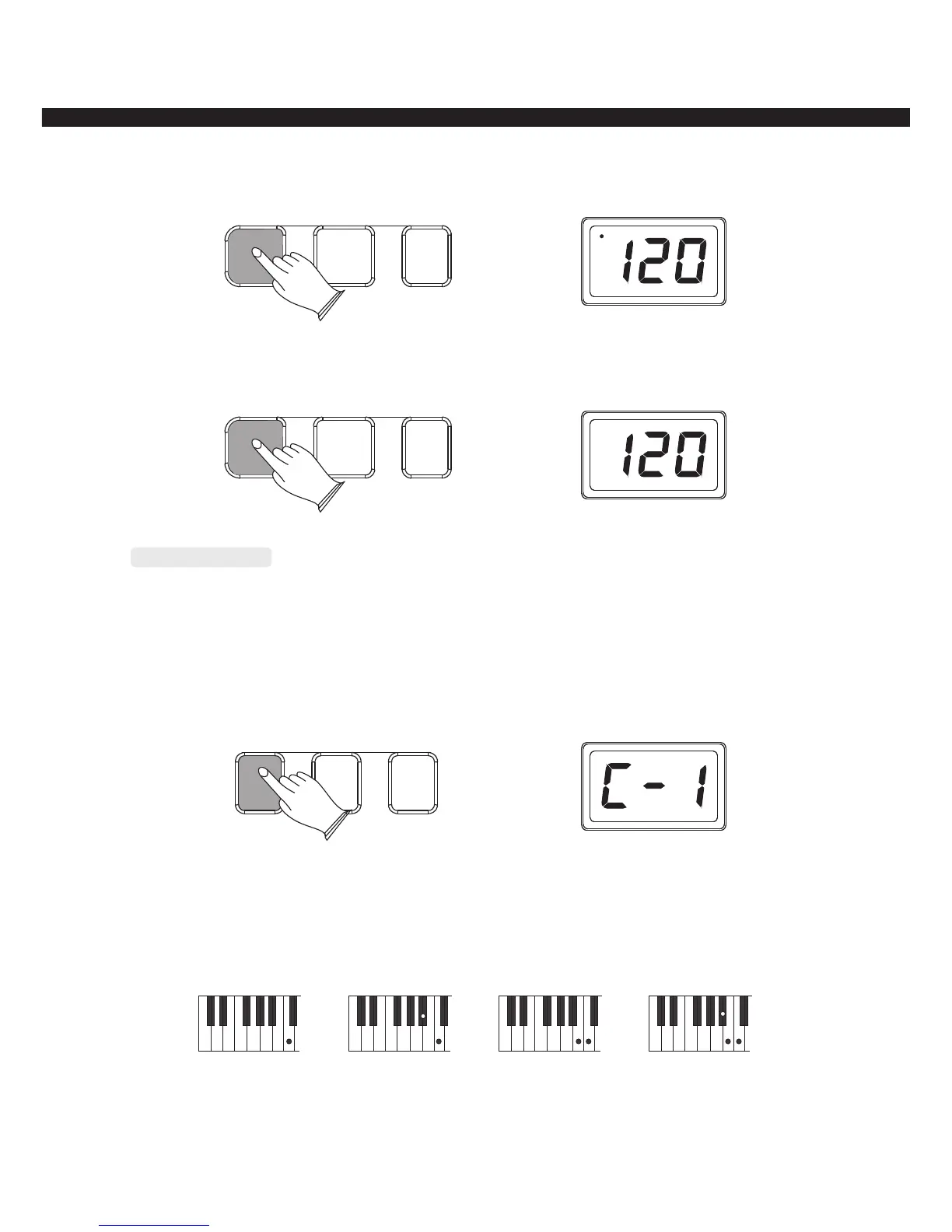
When the style is playing, press button to stop playing and enter the synchro mode. [SYNCHRO]
SYNCHRO START/STOP
FILL IN
Chord Function
This instrument provides single and fingered chord function for you, press one of the buttons
to turn on chord function, the left section of the keyboard becomes the auto accompaniment
control section
Single:Press [SINGLE] button to enter single mode, LED display“C-1”
SINGLE FINGERED NORMAL
Major chord:press the root sound of the chord.
Minor chord:Simultaneously press the root key and a black key to its left
Seventh chord:Simultaneously press the root key and a white key to its left.
Minor seventh:Simultaneously press the root key and a white key and a black key to its left.
C
Cm
C7 Cm7
-11-
SYNCHRO START/STOP
FILL IN



 To Next Page