Accomp.
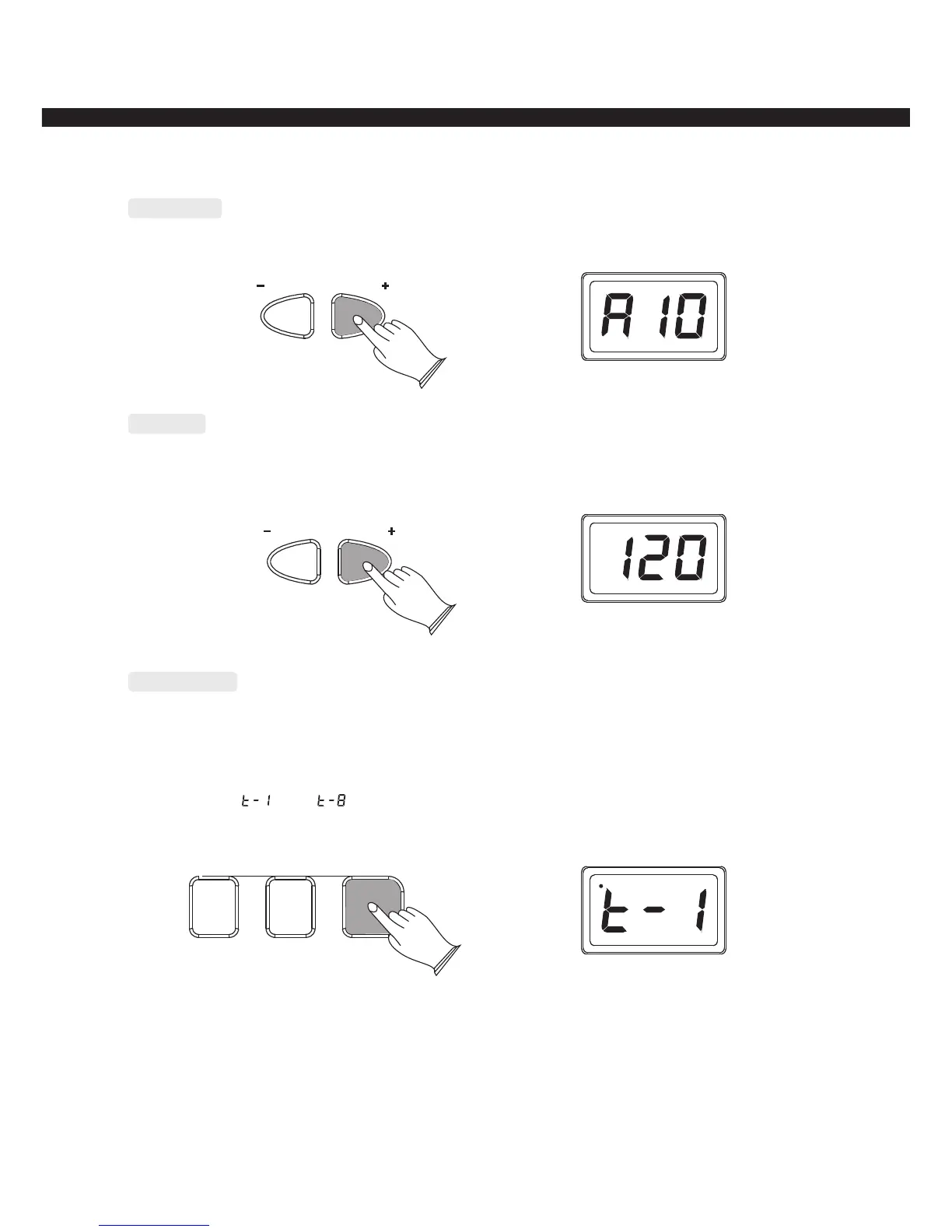
Use [ACCOMP.+/-] to adjust accompaniment volume Range: 00~15
ACCOMP.
Tempo
Use [TEMPO+/-] button to adjust the accompaniment and metronome tempo.
Range: 60-240bmp
TEMPO
Metronome
Press [METRONOME] button to turn the metronome on, press it again to stop metronome.
Here are 8 metronome type let you select:
press [METRONOME] button repeatedly can select metronome type 1-8,
LED display “ ” -“ ”
FINGERED NORMAL METRONOME
-13-



 To Next Page