Voice
100 voices in total (see voice list)
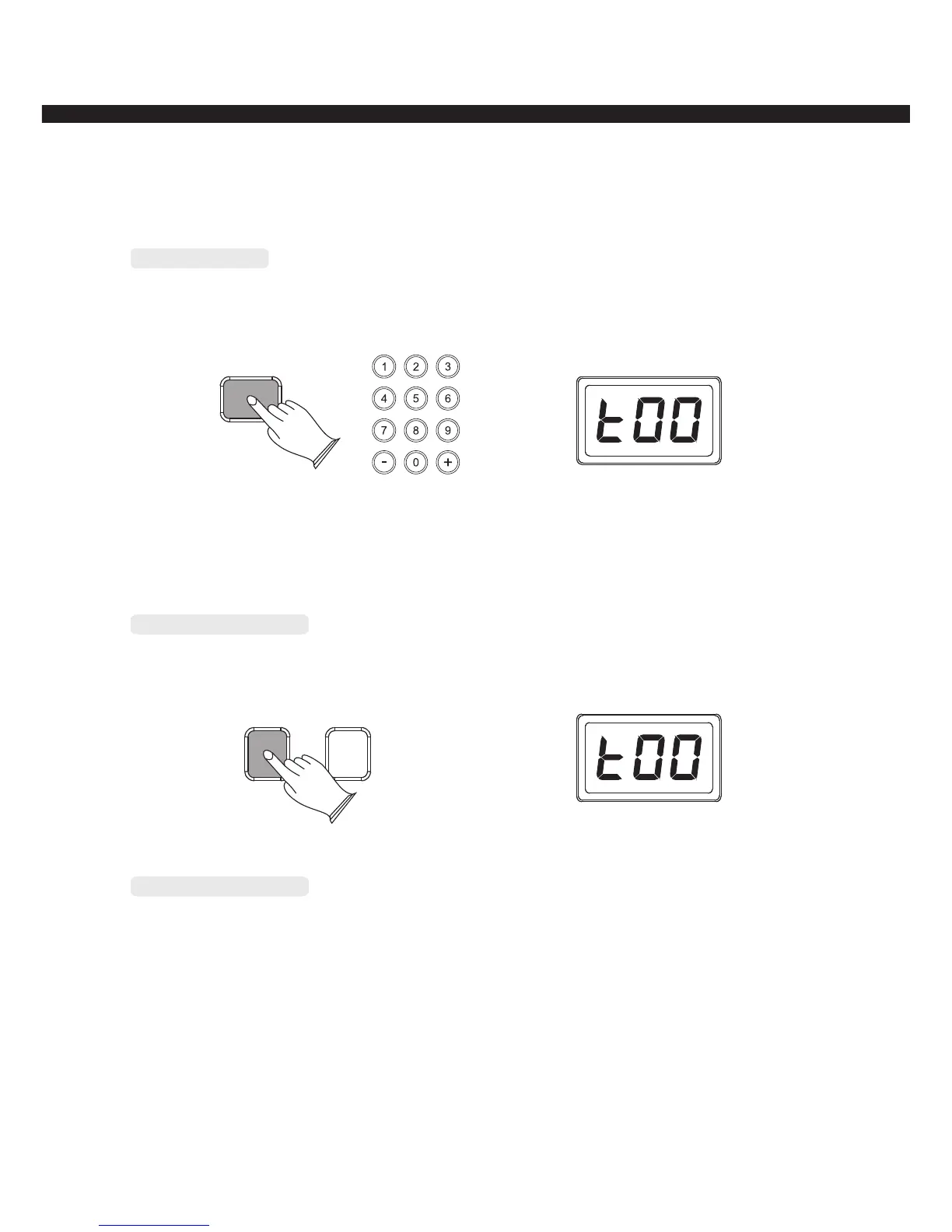
Select a Voice
Press [VOICE] button to enter voice mode, use number button or [+/-]button to select voice
that you want.
VOICE
Grand Piano button
Press [GRAND PIANO] button to call up the grand piano voice.
GRAND PIANO
PERCUSSION
Percussion button
Press [PERCUSSION] button to call up the percussion voice, press this button again to exit
from percussion mode.
-8-
Voice 01----09 : press number 0 first, then press 1-----9
Voice 10----99 : press two numeric buttons directly, for example: to select No. 65:
press the number 6 button and then the number 5 to select the sound.



 To Next Page