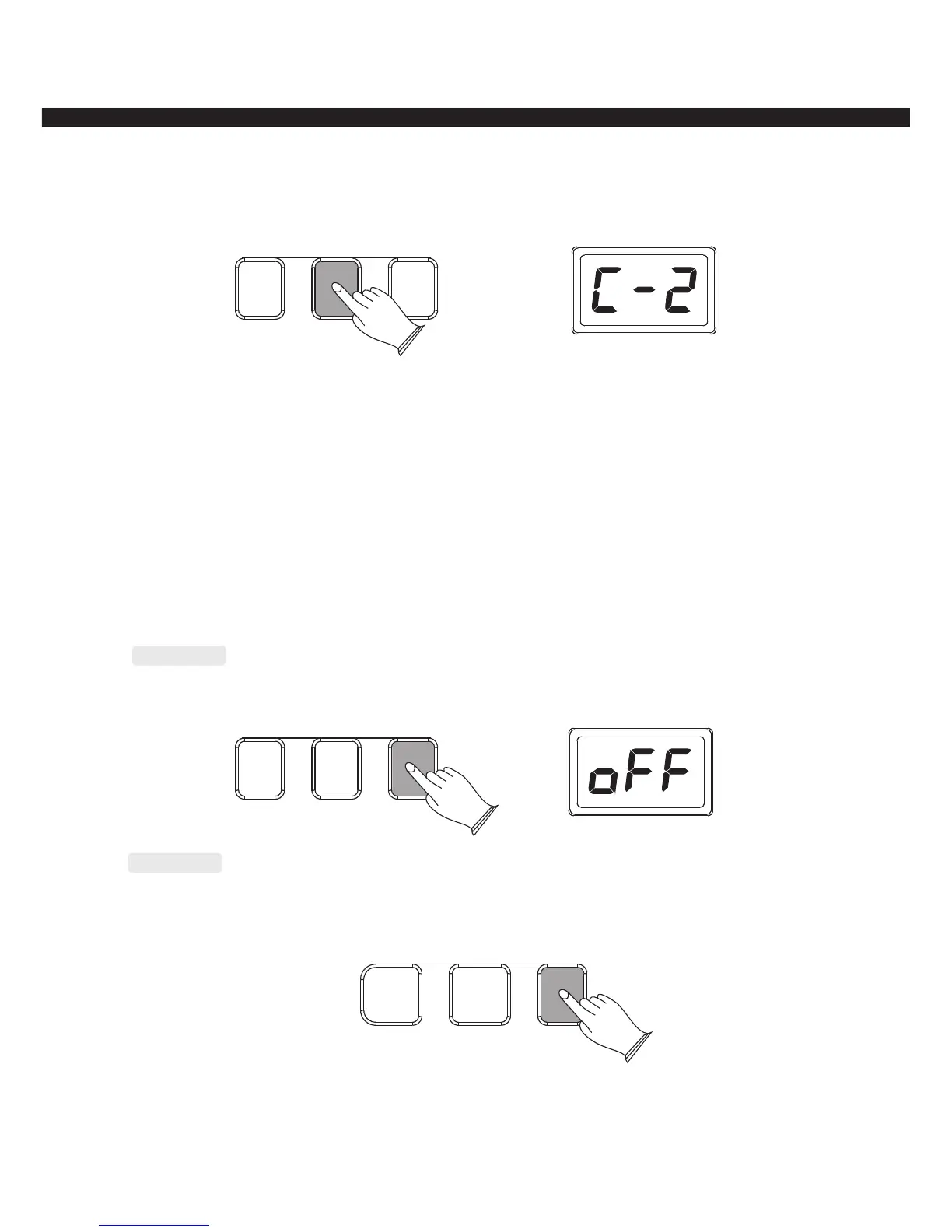
Fingered: Press [FINGERED] button to enter fingered mode, LED display“C-2”
Your instrument will accept the following chord type: ([C] for Example)
Major(C): 1,3,5
b
Minor(Cm):1, 3,5
b
Seventh(C7): 1,3,[5], 7
b b
Minor seventh(Cm7):1, 3,[5], 7
b b
Diminished triad(Cdim):1, 3, 5
Sus 4th(Csus4):1,4,5
ninth(C9):1,2,3,5
b
minor ninth(Cm9):1,2, 3,5
SINGLE FINGERED NORMAL
Normal
Press [NORMAL] button to turn the chord function off.
SINGLE FINGERED NORMAL
Fill In
Press the [FILL IN] button at any time while the accompaniment is playing to add one measure
fill in and return to the MAIN section.
SYNCHRO START/STOP
FILL IN
-12-



 To Next Page