Auto Accompaniment
The keyboard has a total of 100 accompaniment styles which can be used to provide
Fully-orchestrated Auto Accompaniment
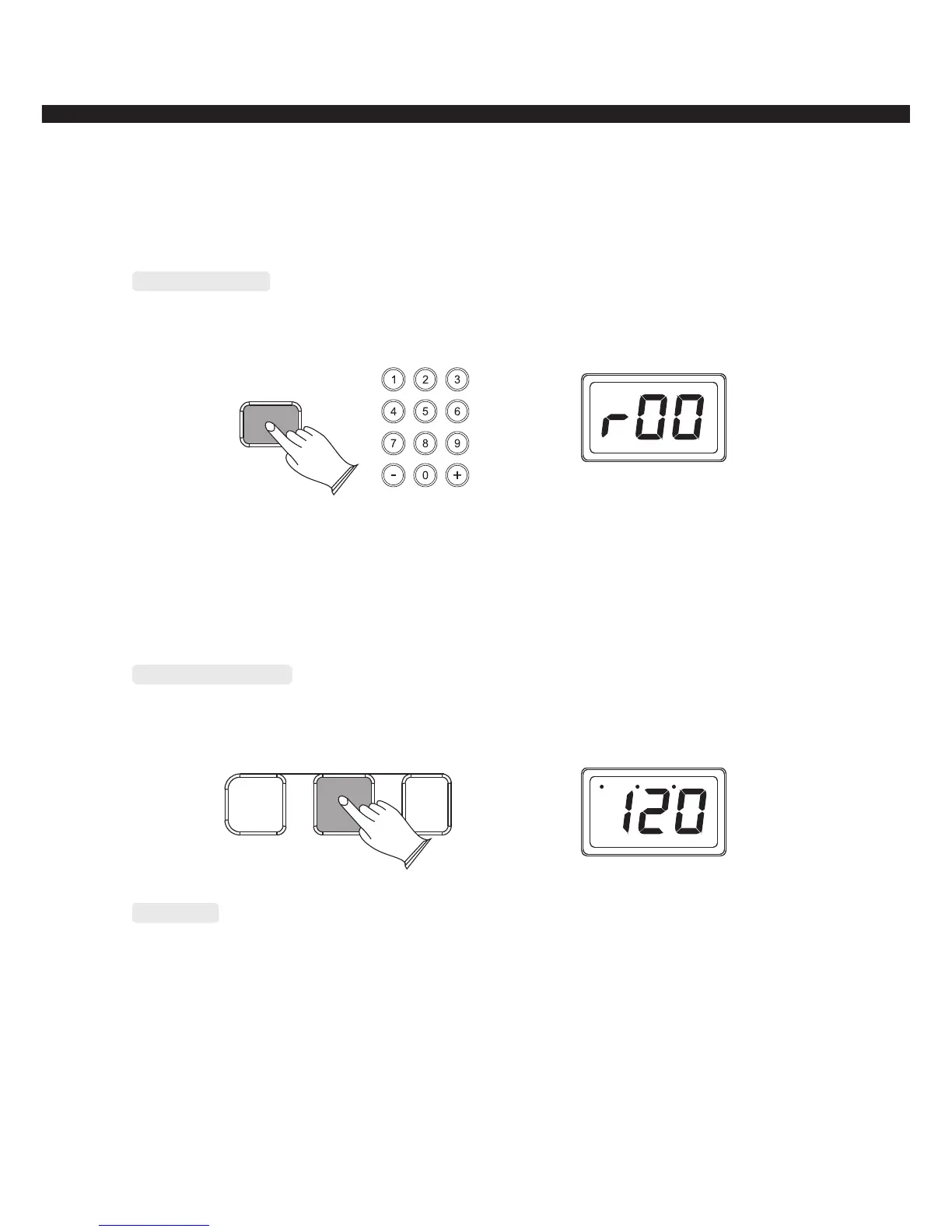
Select a Style
Press [STYLE] button to enter the style selection mode, use [+/-] button or number button
to select the style that you want.
STYLE
Start/Stop a Style
Press [START/STOP] button can start or stop the current style.
SYNCHRO START/STOP
FILL IN
Synchro
Press [SYNCHRO] button, the BEAT indicator dots will flash at the current tempo. The
accompaniment will start as soon as when you play the first note or chord on the AUTO
ACCOMPANIMENT section of the keyboard
-10-
Style 01----09 : press number 0 first, then press 1-----9
Style 10----99 : press two numeric buttons directly, for example: to select No. 65:
press the number 6 button and then the number 5 to select the style.



 To Next Page