Recording Function
Start Recording
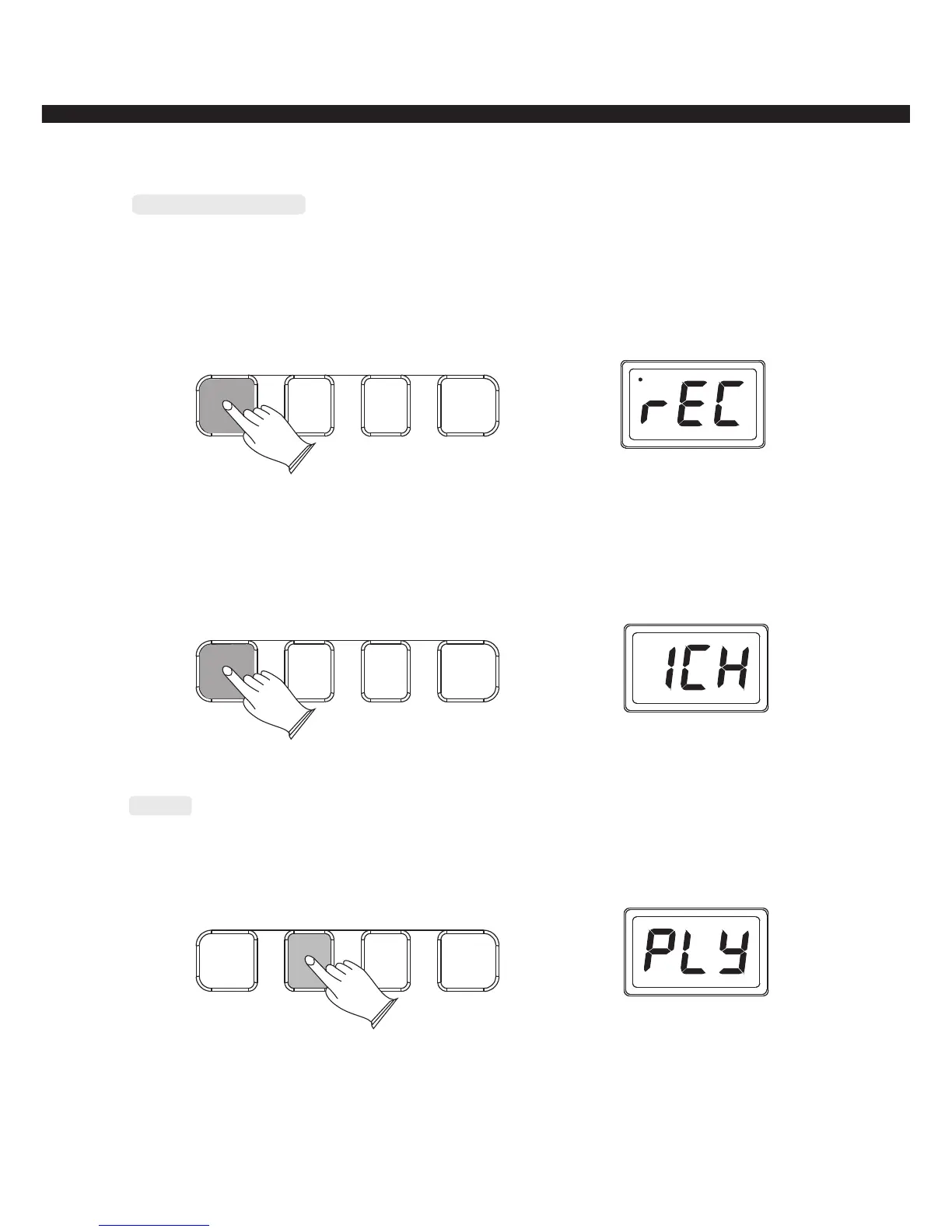
Press [RECORD] button to enter recording mode, and the metronome started automatically,
LED display“REC”, now, play the keyboard to start recording. This instrument can record
about 70 notes.
RECORD
PLAY
PROGRAM PRO.PLAY
Press [RECORD] button again to stop recording, LED display“1CH”.
Press [RECORD] button again to quit the record mode when “1CH” is displayed, return
to the normal operation status.
RECORD
PLAY
PROGRAM PRO.PLAY
Play
Press [PLAY] button to play your recording song, LED display“PLY”,press it again to
stop playing.
RECORD
PLAY
PROGRAM PRO.PLAY
-14-



 To Next Page