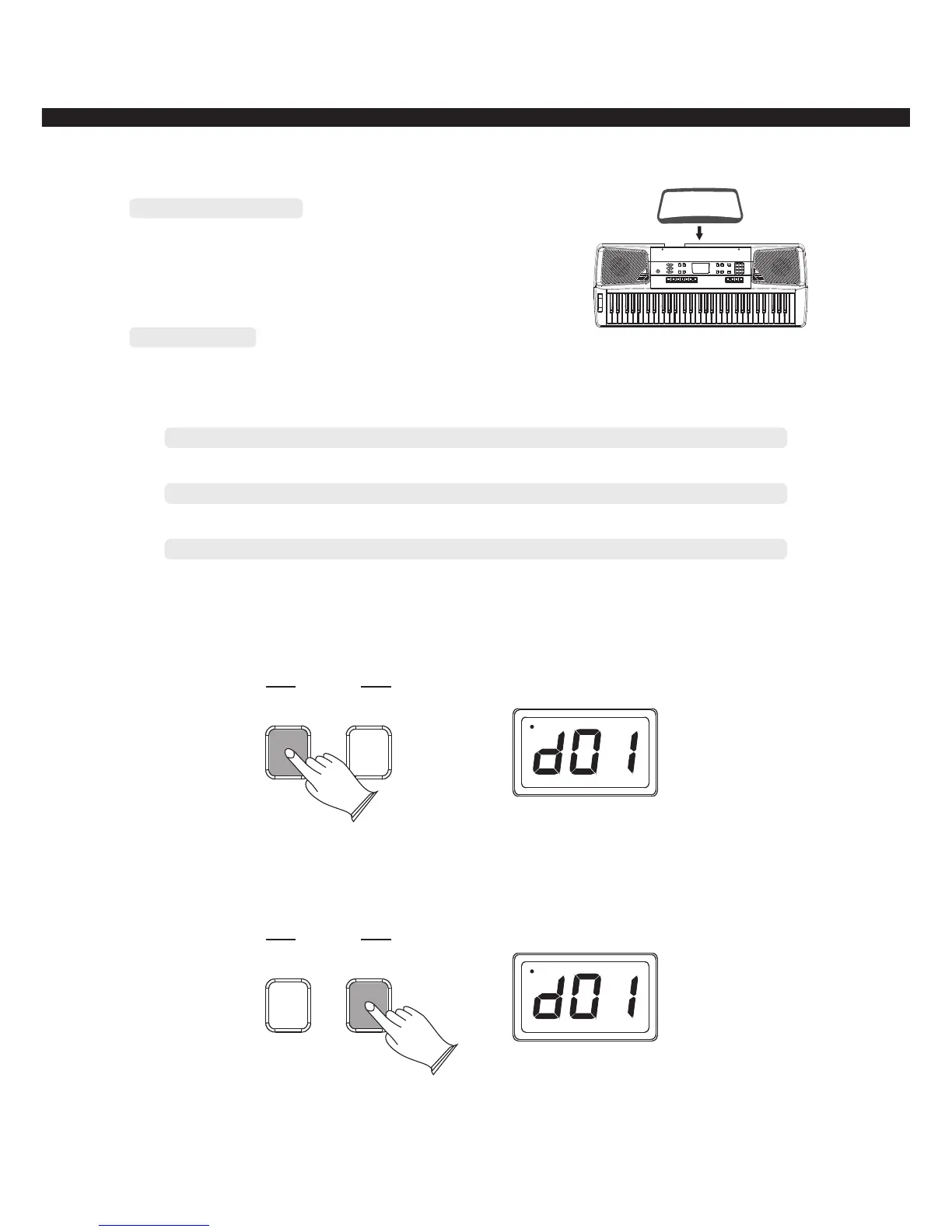
Setting Music Rest
Please set up the music rest as the instruction below:
Demo Songs
There are 12 preset demo songs that you can play and learn individually.
1 Jingle bells
2 For Elise
3 If you are happy and you know it, clap your hands
4 Swan lake
5 We wish you a merry Christmas
6 Beautiful blue Danube
7 Turkish march
8 the childhood
9 Green sleeves
10 Yankee doodle
11 Music-box dancer
12 the poem for love
Listen to the Demo Song
Press [LOOP ALL] button, the current song will be played and will automatically play all the
following songs without stopping until the [LOOP ALL] button will not be pressed again.
LOOP ALL
LOOP ONE
DEMO
Press [LOOP ONE] button, the current song will be played repeatedly, if you want to select
the next song, please press the [LOOP ONE] button again to stop playing, and then press the same
button again to play the next song.
LOOP ALL
LOOP ONE
DEMO
-5-



 To Next Page