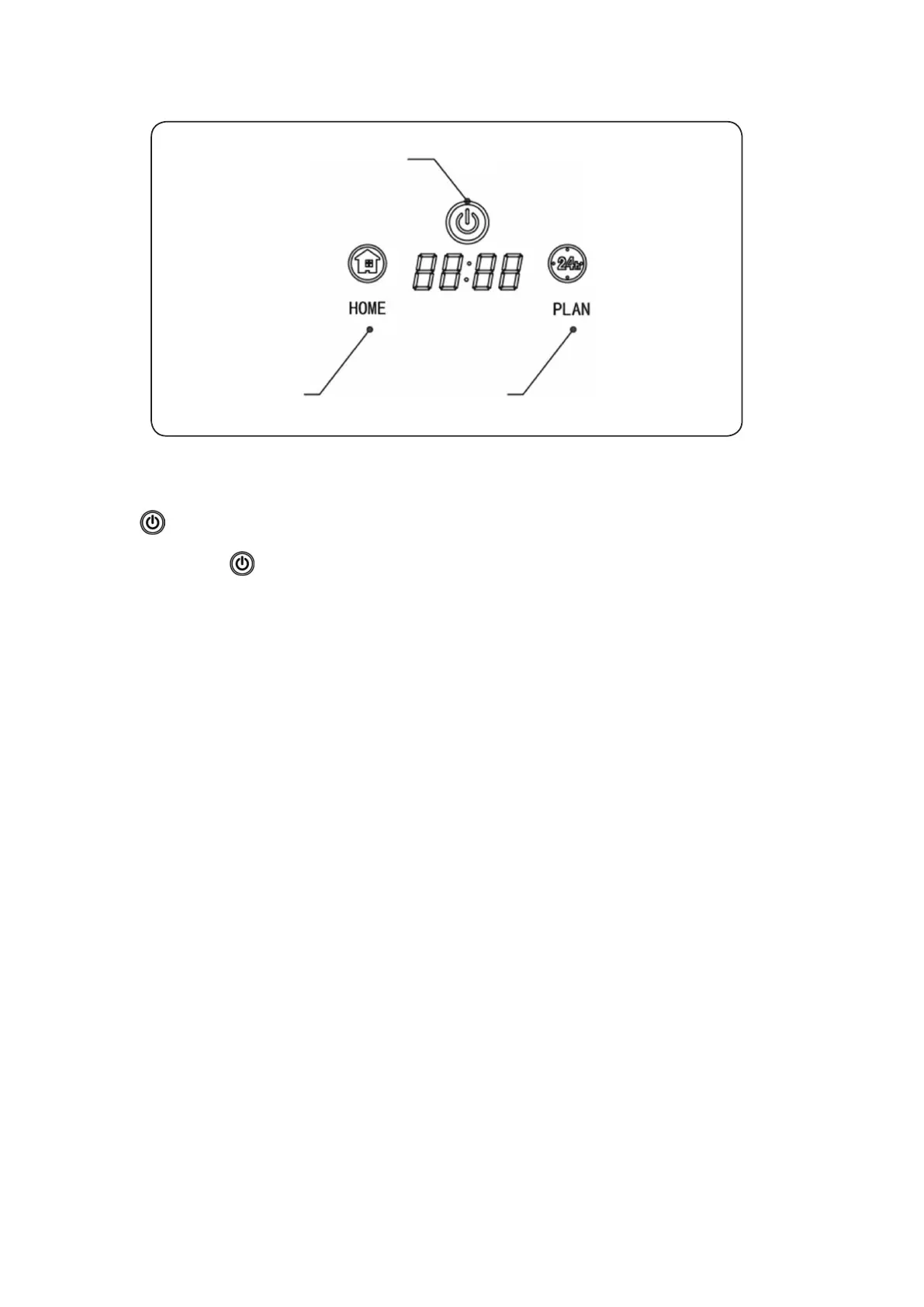
Product Operation
1
2 3
Touch Panel Operation
1. Cleaning Operation
A. Press to start the robot, and press again to enter auto cleaning mode.
B. Make the robot change from Sleeping status to Standby; or press over 3 second make the robot
change from Standby to Sleeping status.
C. In Schedule cleaning process, press this to conrm the schedule setting.
D. In time setting process, press it to conrm the time setting.
E. In Standby status, press this to start the robot.
2. “HOME” auto-charging/ number increase (+) operation
A. In Schedule setting process, press this to make the setting time increase or system time number
increase; when you keep pressing this button, the number will increase automatically.
B. When robot in other mode, press this to make the robot start looking for auto-charging docking.
3. “PLAN” schedule setting operation
In Standby or Charging status, press this to Enter/Quit System Time Setting process; press this over
5 second to Enter/Quit Schedule Setting
4. “PLAN” + “HOME” operation
In Standby status, press “PLAN”+”HOME” together at the same time to Cancel / Open voice
demonstration
12



 To Next Page