31
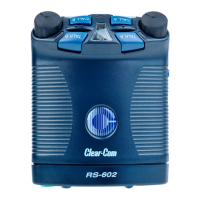
RS-602/622 BELTPACK
Call-on-Talk, Function 4
This function causes a beltpack to send a call signal each time you press
or latch the talk button. You can toggle this function on or off.
When using “call-on-talk,” it is recommended that you set the talk
button for non-latching operation. Call-on-talk is useful when
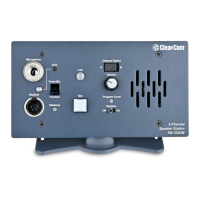
operating call-signal based components such as the Clear-Com TW-40
2-way radio interface and the Clear-Com KB-212 speaker station.
To select “call-on-talk” for a channel:
1. Press and hold the setup button until the setup information window
displays a “P” and then release the button.
2. Repeatedly press the Call A button until “4” appears in the display.
3. Press the appropriate channel’s talk button (Talk A or Talk B) to
toggle “call-on-talk” either on or off for that channel.
• A channel’s talk light reveals the function’s status for that channel.
If the talk light is on, “call-on-talk” is on for that channel; if the
talk light is off, “call-on-talk” is off for that channel.
• You can set call-on-talk for one or both channels.
4. When you have made your selections, press the setup button to save
them and to exit setup, or press the Call A button to select other
functions to program.
If you do not press a button within five seconds, the beltpack exits the
setup program without making any changes.






 To Next Page