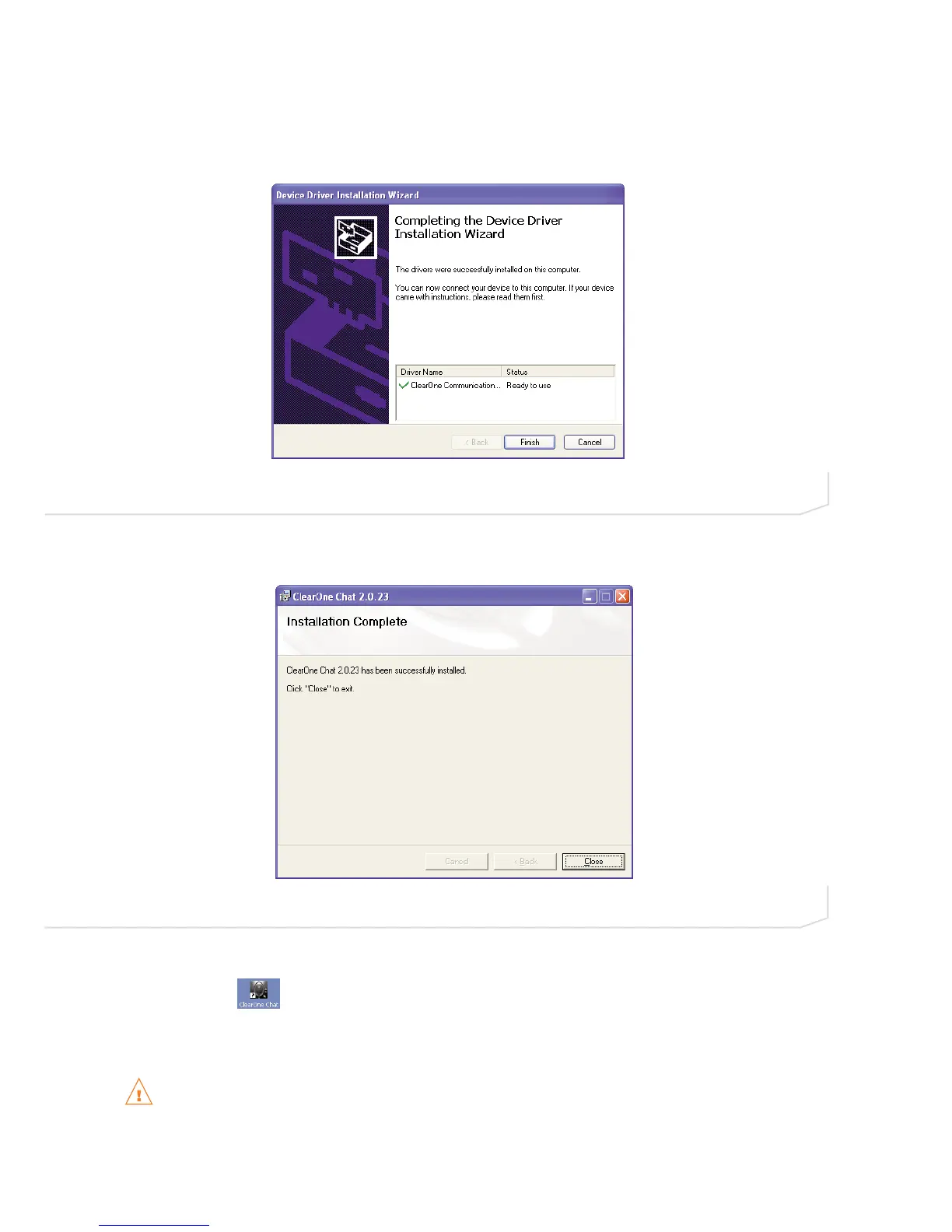
8. Once the device drivers are successfully installed, the Driver Name and Status appear in the Device
Driver Installation Wizard screen (Figure 2.8). Click Finish to complete the installation.
9. The Installation Complete screen appears (Figure 2.9). Click Close to exit the Chat installation program.
The Chat software installation is complete. You can start the Chat software by double-clicking on the
ClearOne Chat icon that is now on your Windows desktop, or through the Windows Start menu (Start
> All Programs > ClearOne Communications > Chat > ClearOne Chat).
Before using the Chat 150 for the first time, proceed with the audio settings configuration procedure
that starts on page 10. This will ensure optimal sound quality for each device and application you plan
to use with the Chat 150.
FIGURE 2.8 Chat 150 Completing the Device Driver Installation Wizard screen
FIGURE 2.9 Chat 1 50 Installation Complete screen
Chapter 2: Getting Startede 9





 To Next Page