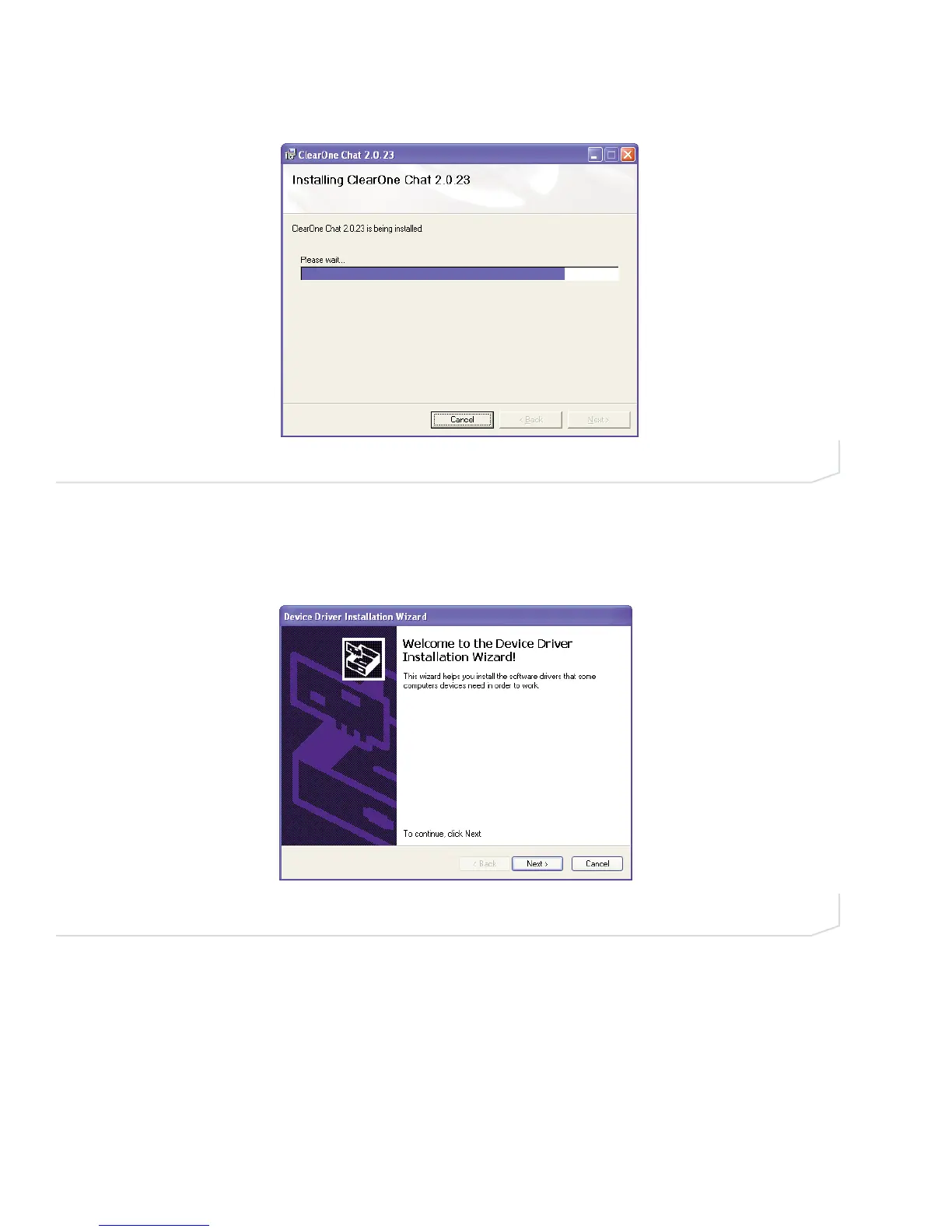
6. The Installing ClearOne Chat screen appears (Figure 2.6) showing the progress of the installation.
7. When the software is installed, the Device Driver Installation Wizard screen appears (Figure 2.7). Click
Next> to install the Chat software drivers for Windows.
FIGURE 2.6 Installing ClearOne Chat Software screen
FIGURE 2.7 Chat 150 Device Driver Installation Welcome screen
8 Technical Support: 800-283-5936





 To Next Page