6 Technical Support: 800-283-5936 Chapter 2: Getting Started 6
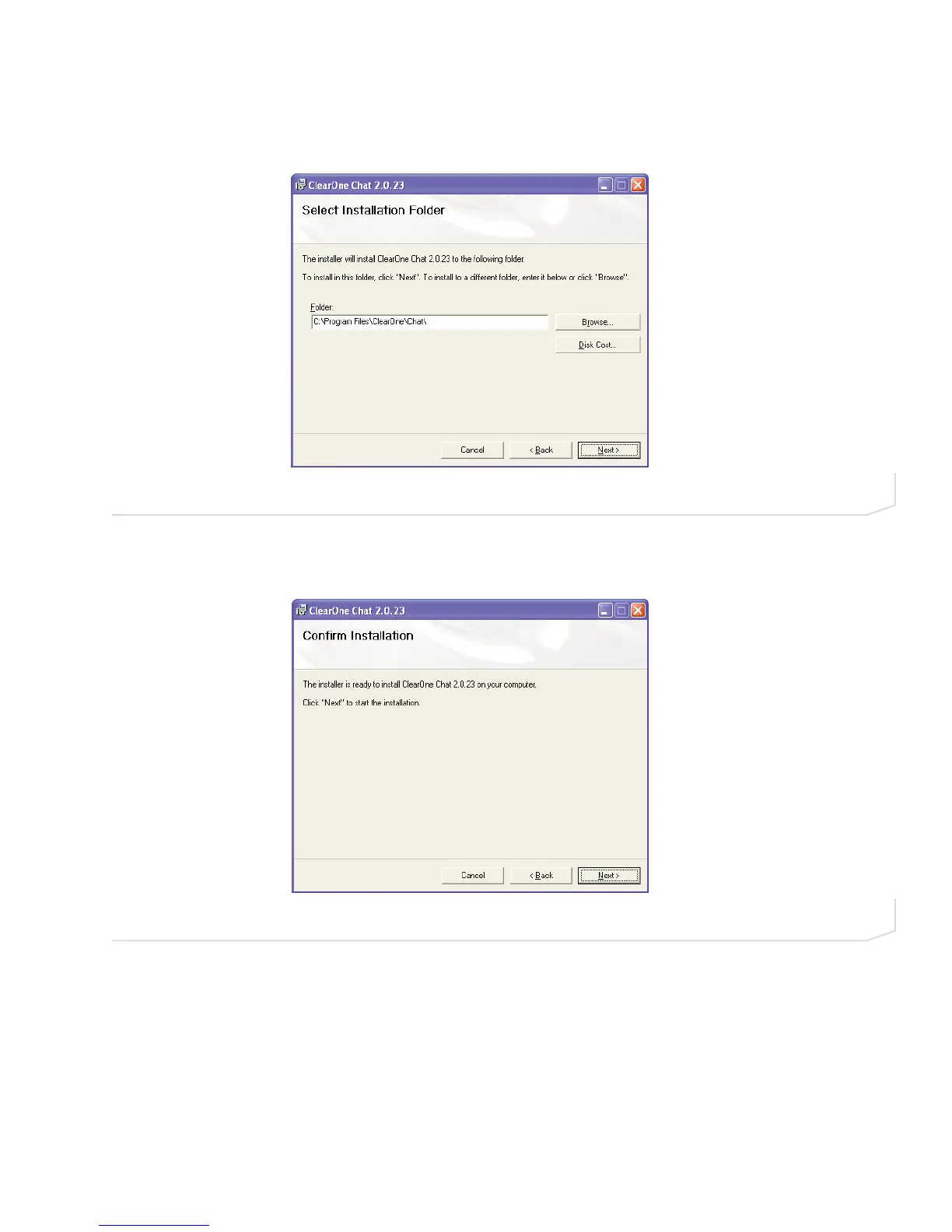
4. The Select Installation Folder screen appears (Figure 2.4). Use the default directory, or click Browse to
select an alternate directory. Click Next> to continue the installation.
5. The Confirm Installation screen appears (Figure 2.5). Click Next> to continue the installation.
FIGURE 2.5 Chat 50 Confirm Installation screen
FIGURE 2.4 Chat 50 Select Installation Folder screen



 To Next Page