Chapter 3: Using Chat 50 Configuration Software 5
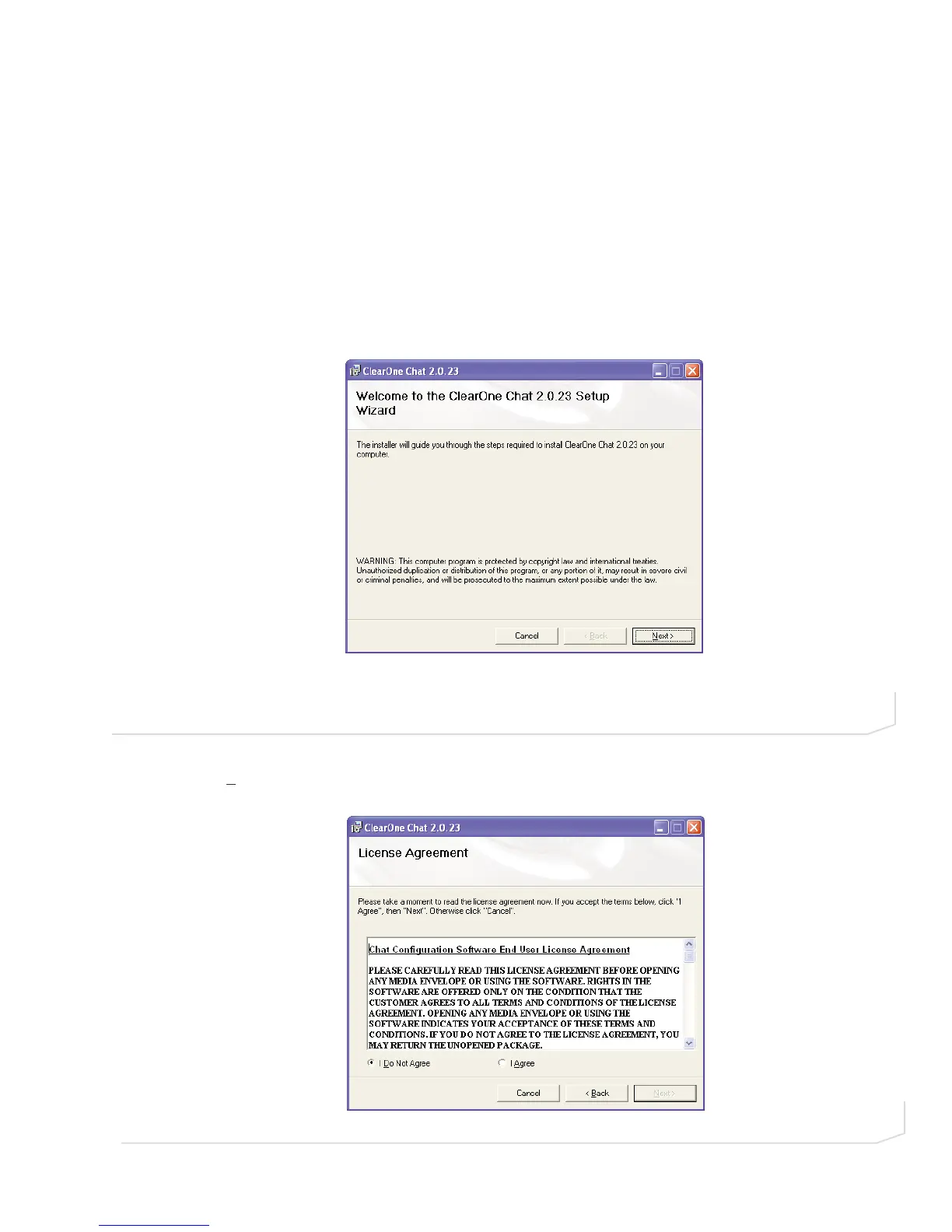
2. Select software from the menu on the left of the screen and the Chat Setup Wizard will display the
installation welcome screen (Figure 2.2 ).
3. Click N
ext>. The License Agreement screen appears (Figure 2.3). Read the license agreement and select
the I Agree radio button, then click Next> to proceed with installation.
FIGURE 2.2 Chat 50 Installation Wizard Welcome Screen
FIGURE 2.3 Chat 50 License Agreement screen



 To Next Page