42
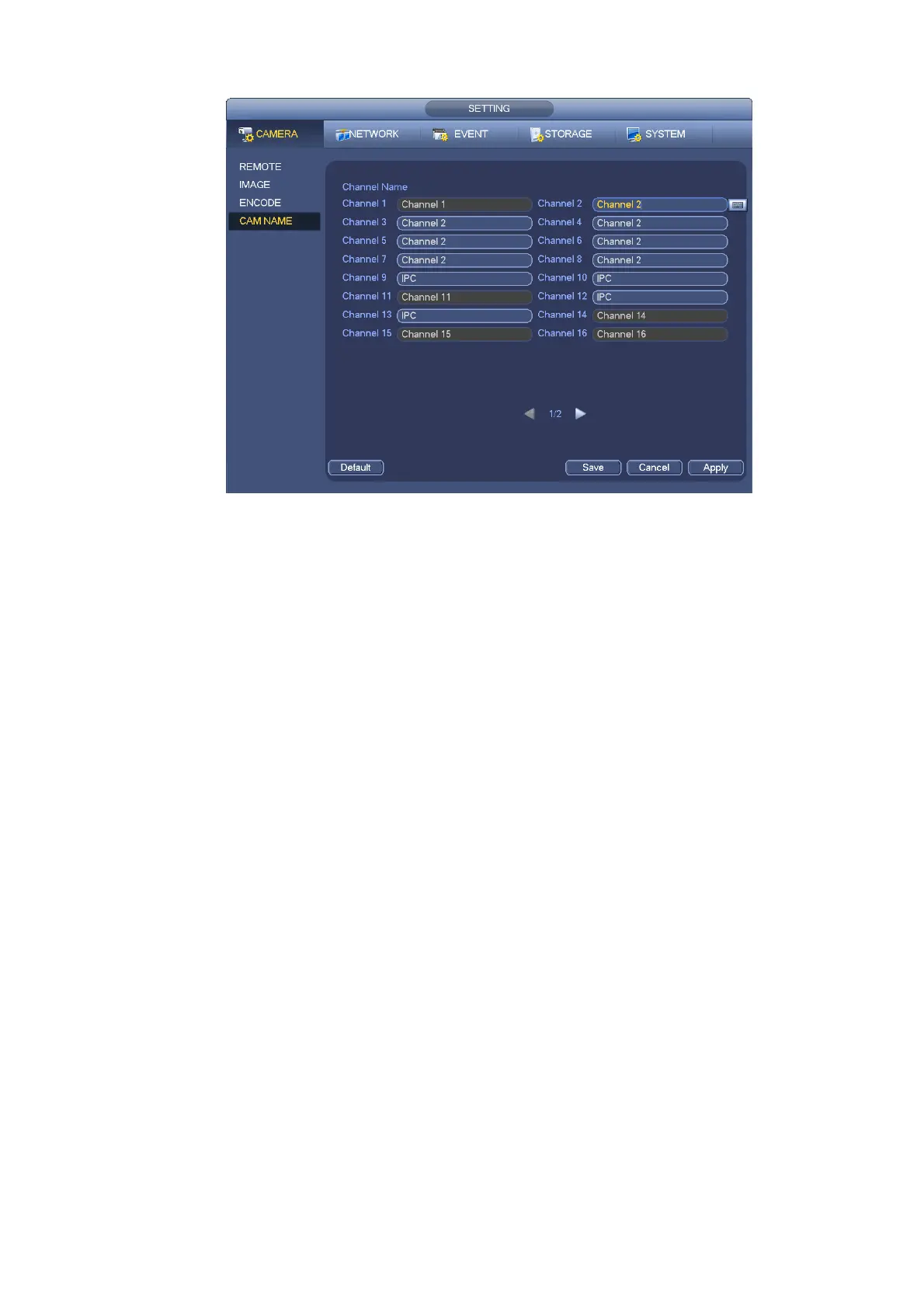
Figure 4-30
4.6.6 Upgrade
Note
Right now, the NVR can upgrade the IPC via the USB device or WEB. You can upgrade 8 network
cameras of the same model (or the NVR supported) at the same time.
It is to update the network camera.
From main menu->setting->camera->remote, the interface is shown as below. See Figure 4-31.
Click Browse button and then select the upgrade file. Then select a channel (or you can select device
type filter to select several devices at the same time.)
Click Begin button to upgrade. You can see the corresponding dialogue once the upgrade is finish.


 To Next Page