15
Speaking Function
CLEVER CHOICE Voice+ Blood Glucose Meter “speaks” aloud
with step by step instructions to guide you through the process of
setting up your meter and blood glucose testing. The following table
tells you when and what the meter “speaks”.
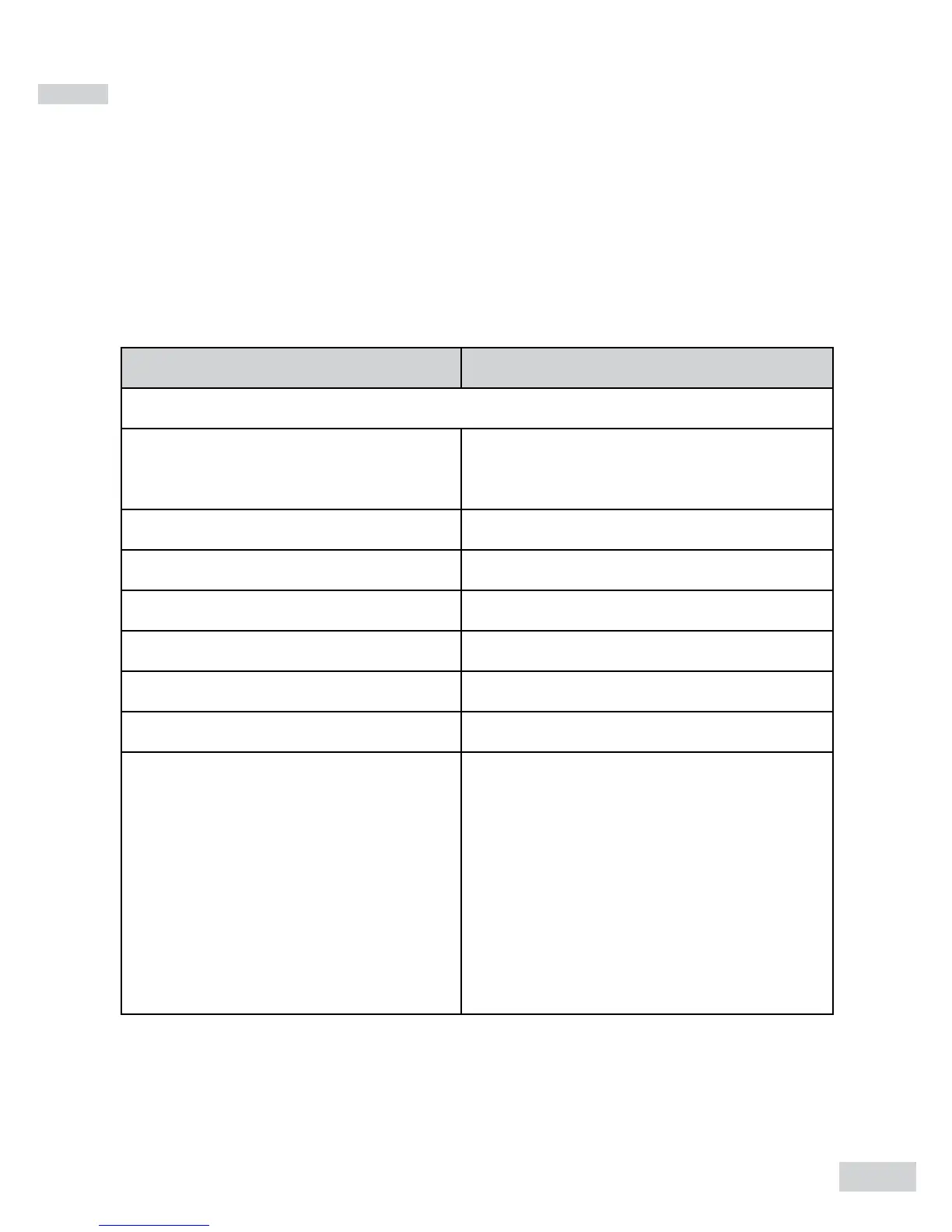
WHEN does the meter speak? WHAT does the meter speak?
Setting up the meter
Choosing the language
You are now in setting mode.
Thank you for using this product.
Setting the voice volume Voice volume is (number).
Setting the year The Year is (number).
Setting the month The month is (month).
Setting the date The date is the (number).
Setting the hour The hour is (number) PM/AM.
Setting the minutes The minutes are (number).
Deleting the memory
1. Delete memory record func-
tion. Press Up key to clear all
records.
2. Are you sure you want to clear
ALL records? Press Up key again
to clear all records.
3. All memory record have been
deleted.


 To Next Page