20
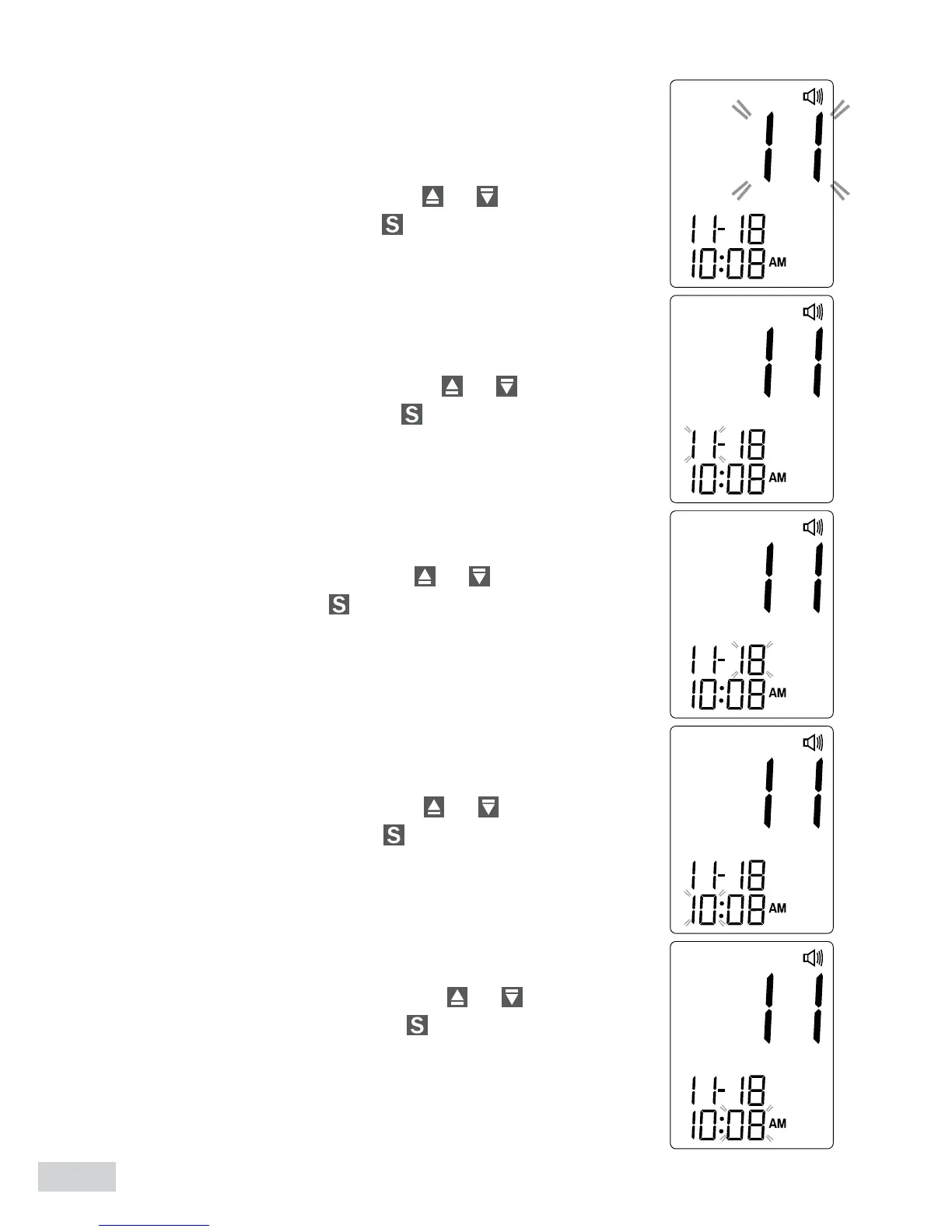
3. Setting the date
With the year ashing, press
or until the cor-
rect year appears. Press .
With the month ashing, press
or until the cor-
rect month appears. Press .
With the day ashing, press
or until the correct
day appears. Press .
4. Setting the time
With the hour ashing, press
or until the cor-
rect hour appears. Press .
With the minute ashing, press
or until the cor-
rect minute appears. Press .



 To Next Page