Clickfree C2 Portable Backup Drive (Macintosh) Restoring my content (HD)
CHOOSING WHERE TO RESTORE CONTENT TO
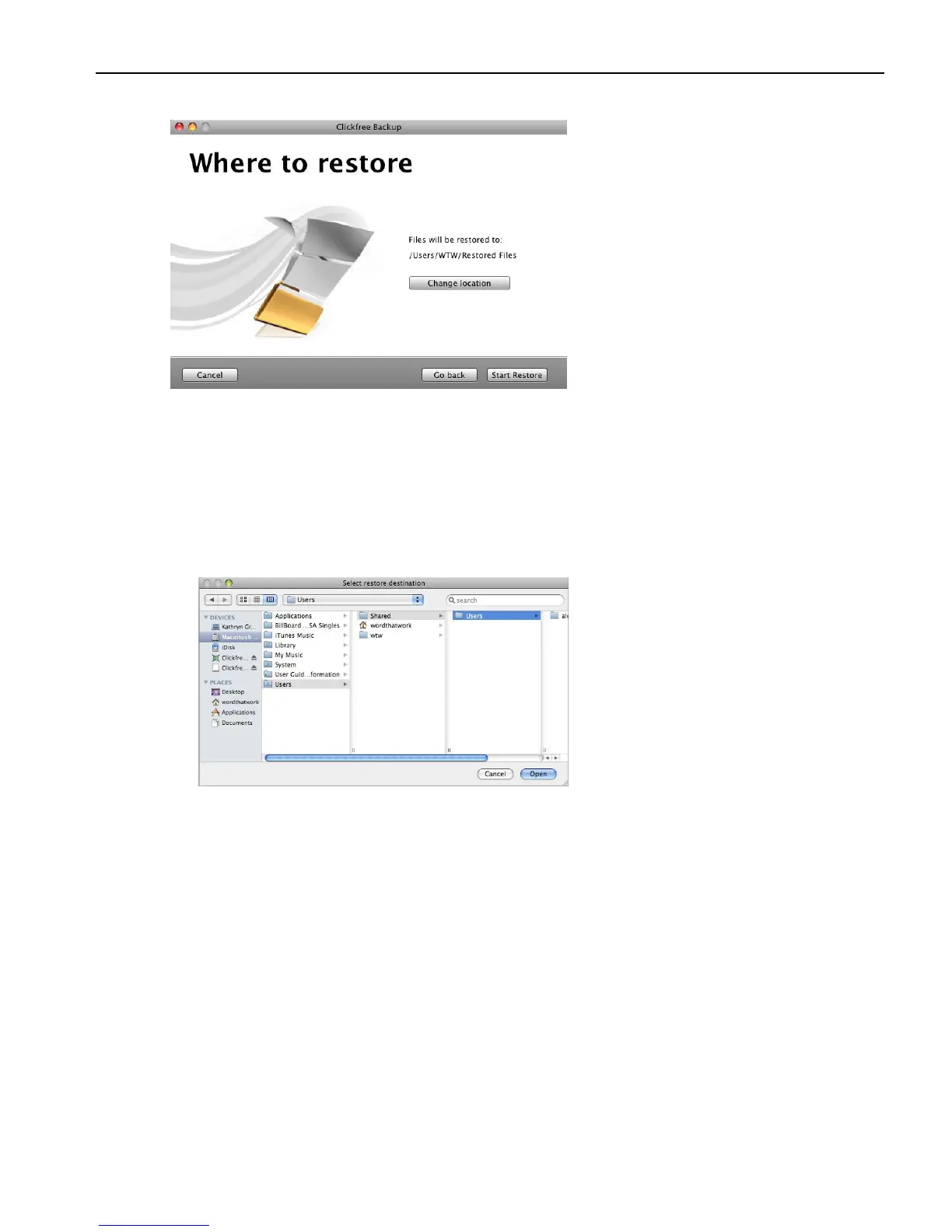
5. What you do next depends on whether you want to restore your content to the default
folder or to somewhere else.
• If you want to restore your content to the default folder, click
Continue and go to
step 8.
• If you want to restore your files to another folder, click
Change Location, and
continue with step 6.
6. Navigate to your chosen destination and click
Open.



 To Next Page