Clickfree C2 Portable Backup Drive (Macintosh) Advanced topics (HD)
Go to the DVD section of this guide for details:
• For an introduction to the use of the DVD features of your Portable Backup
Drive, see “Introducing Clickfree C2 Portable Backup Drive (DVD)” on page 45,
and “Basics (DVD)” on page 47
• To begin using the DVD features, see “Backing up my content (DVD)” on page
49
HOW DO I IMPORT MUSIC FROM MY IPOD TO MY COMPUTER?
You can use your Clickfree Portable Backup Drive to copy music from your
iPod/iPhone to your computer.
1. Follow steps 1 to 3 of “How do I start using my Clickfree Portable Backup Drive
(HD)?” on page 12.
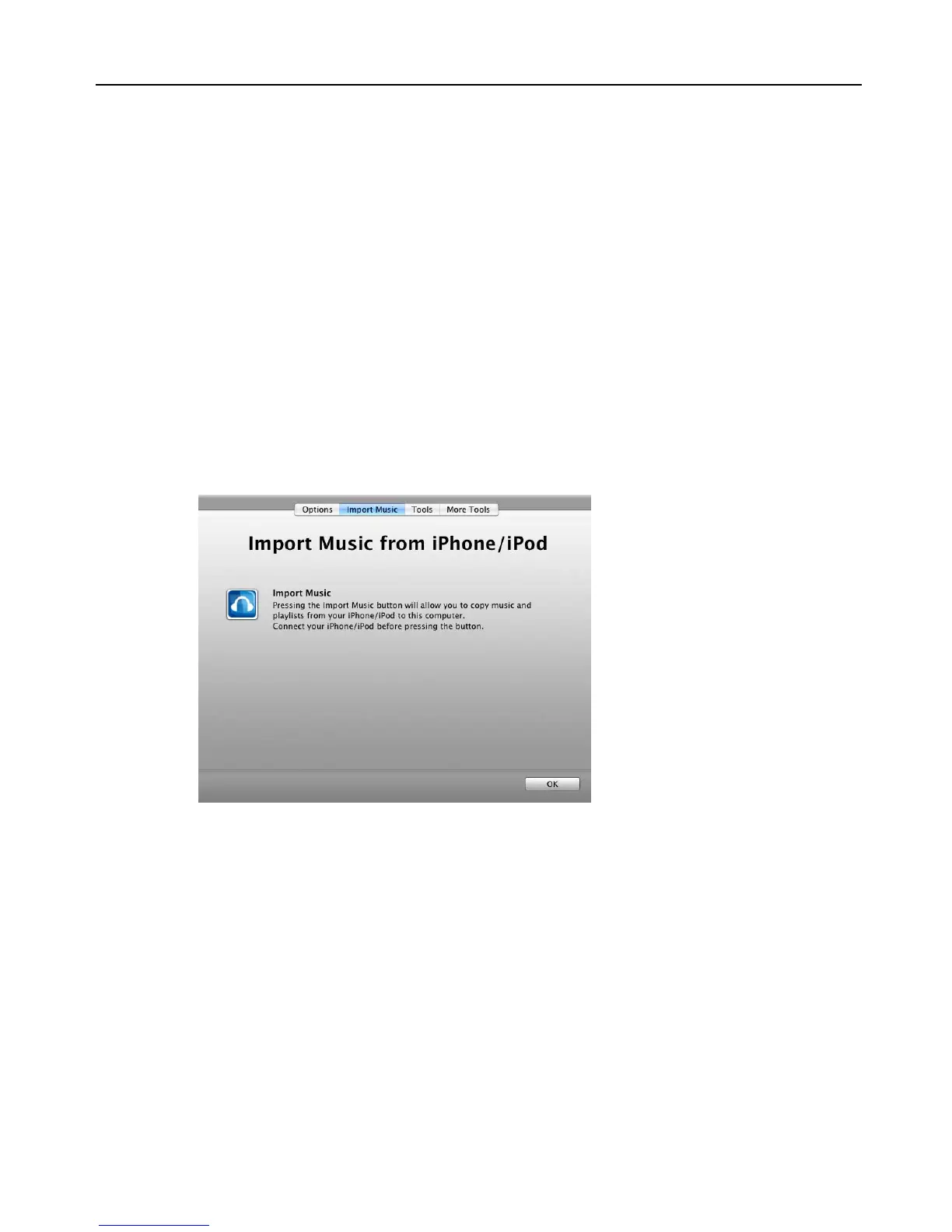
2. Before the countdown reaches zero, click
Import Music.
The
Import Musicfrom iPhone/iPod screen is displayed:



 To Next Page