Clickfree C2 Portable Backup Drive (Macintosh) Backing up my content (DVD)
Backing up my content (DVD)
HOW DO I START USING MY CLICKFREE C2 PORTABLE BACKUP DRIVE (DVD)?
To start using your Clickfree C2 Portable Backup Drive:
1. Follow step 1 of the procedure “How do I start a DVD backup or restore?” on page 31.
2. Wait for the Clickfree window to appear.
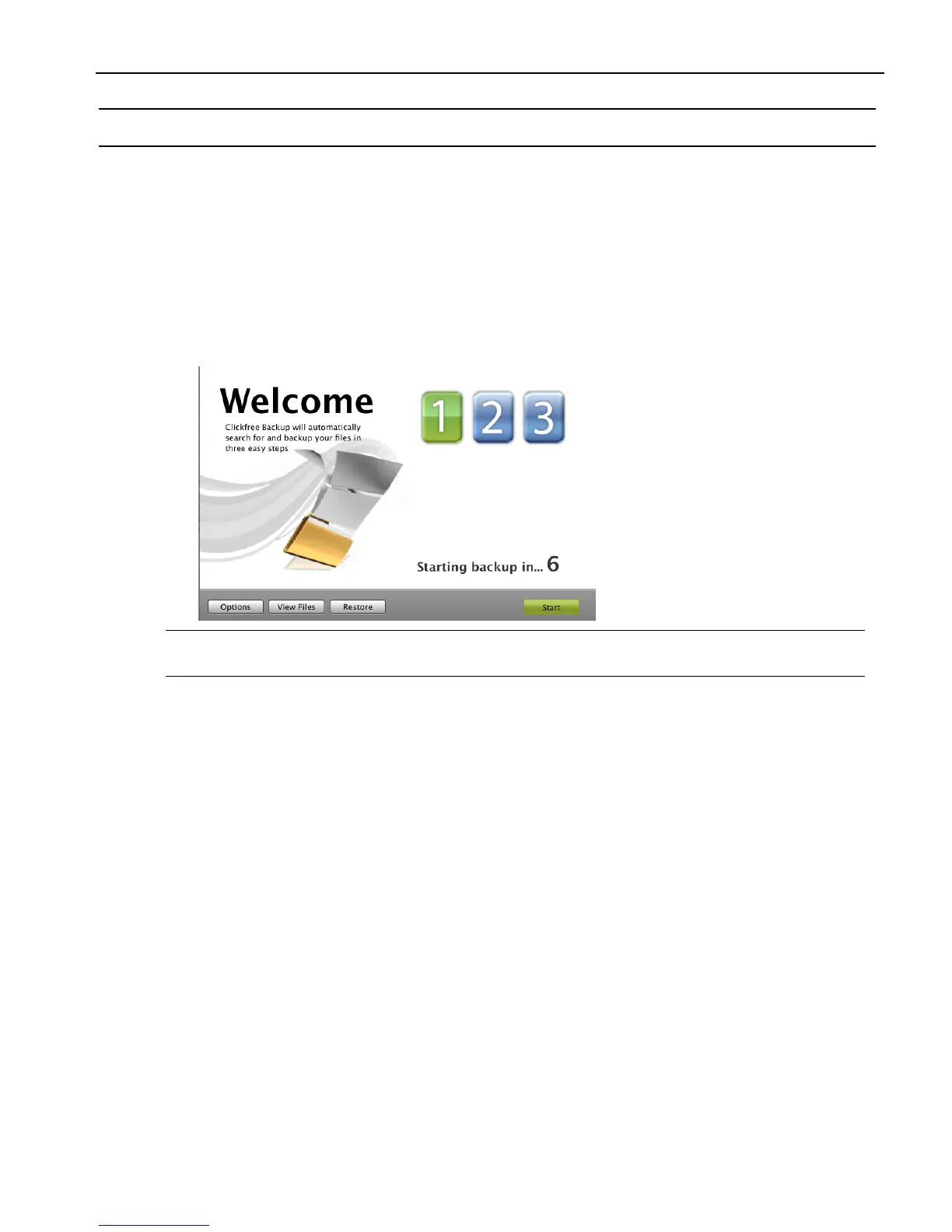
When the Clickfree backup starts to run, a
Welcome window appears and shows the
number of seconds left before the backup starts automatically:
Note: The
View Files and Restore buttons do not appear until you have backed up
content using the C2 Portable Backup Drive.
ZERO EFFORT BACKUP – REALLY!
Unless you stop the countdown by clicking a button, at the end of the countdown period
Clickfree starts the backup.
• If you want to let Clickfree decide what needs to be backed up from where, then
you’re done: just relax and let Clickfree work.
All you need to do is to put recordable media in your CD/DVD writer when
prompted.
Without any effort on your part, Clickfree is safeguarding your valuable content!
For details, see “What gets backed up?” on page 47.



 To Next Page