Clickfree C2 Portable Backup Drive (Macintosh) Advanced topics (HD)
To select/deselect files within a category:
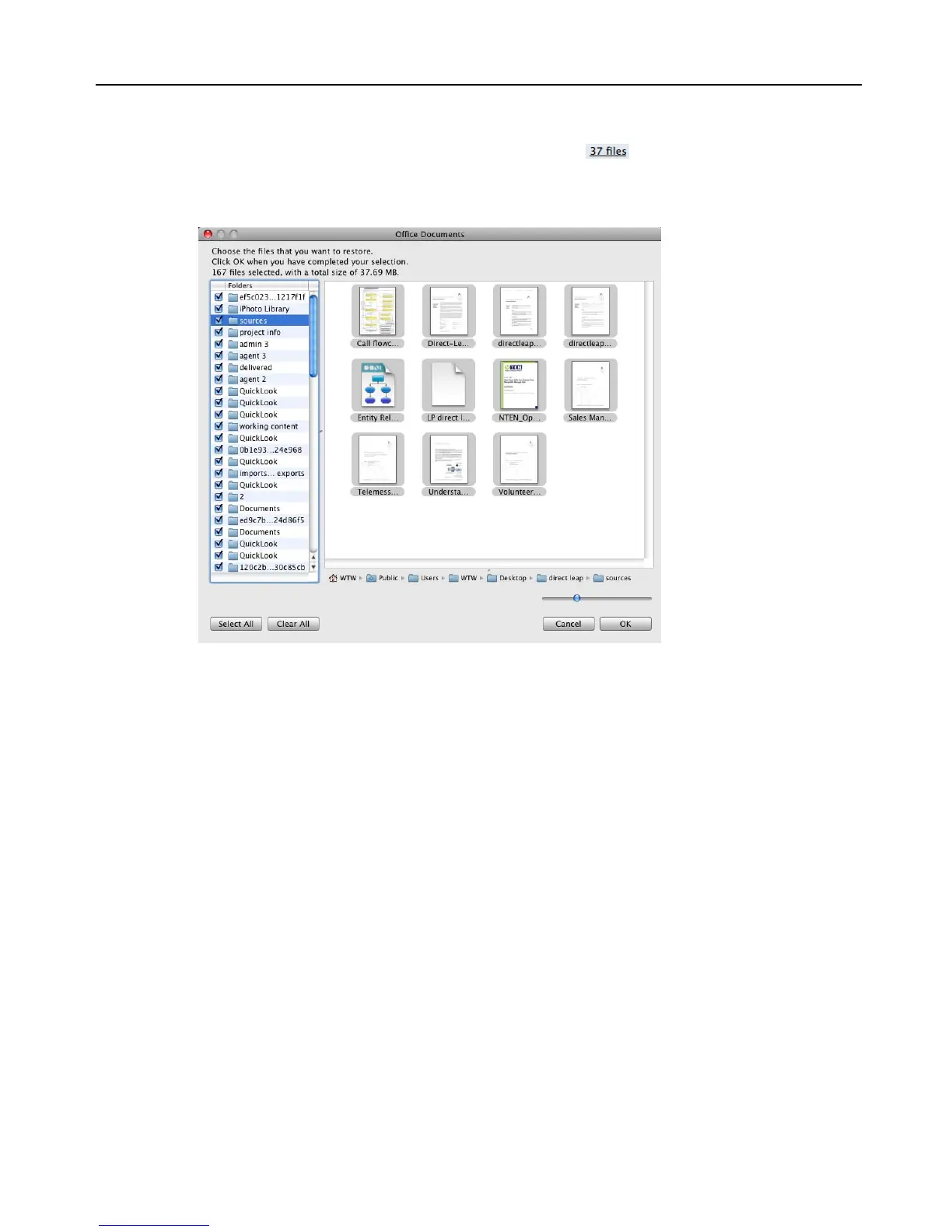
1. Click any of the underlined numbers (for example, ).
The window that opens lists, on the left, all of the folders that contain files from the
category that corresponds to the number you clicked:
Select a folder to view the files it contains. By default, all of the files in the folder are
selected.
2. Select and deselect files as you normally do in a Finder window.
3. Click
OK.
The counts of
Selected Files are updated.
4. When you are finished selecting files, click
Continue.
The restore continues. See “Choosing categories of content to be restored” on page
25.



 To Next Page