Clickfree C2 Portable Backup Drive (Macintosh) Restoring my content (DVD)
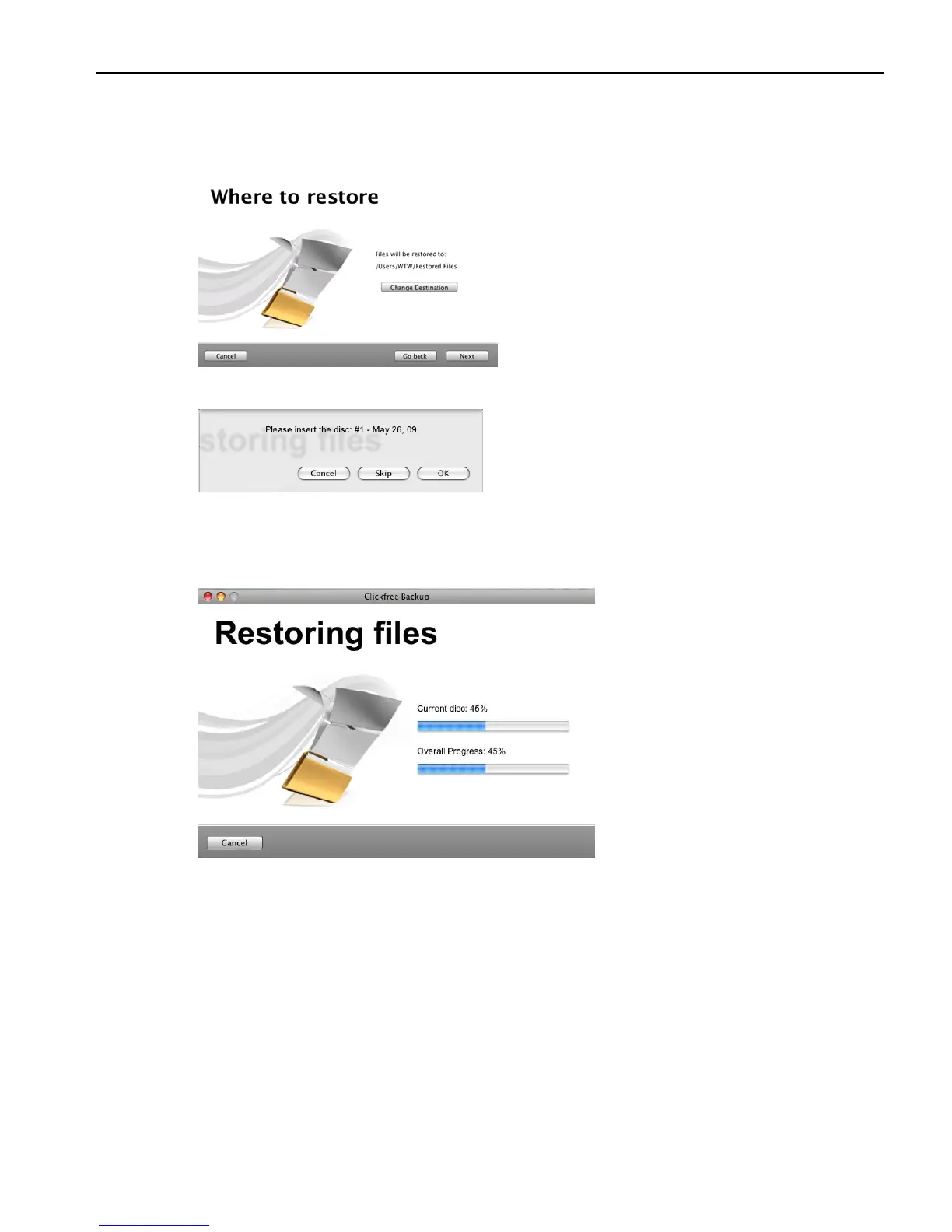
6. Since you are letting Clickfree restore files to the default folder, simply click Next.
Clickfree confirms how many files will be restored, and where they are going to be
restored to:
If necessary, Clickfree prompts you to insert the required disk:
7. Insert the requested backup disk.
As Clickfree restores your content, it shows you what is happening and how far it has
gotten in the process.



 To Next Page