Clickfree Transformer SE User Guide Restoring my content (HD)
Copyright © 2009 Storage Appliance Corporation. 35
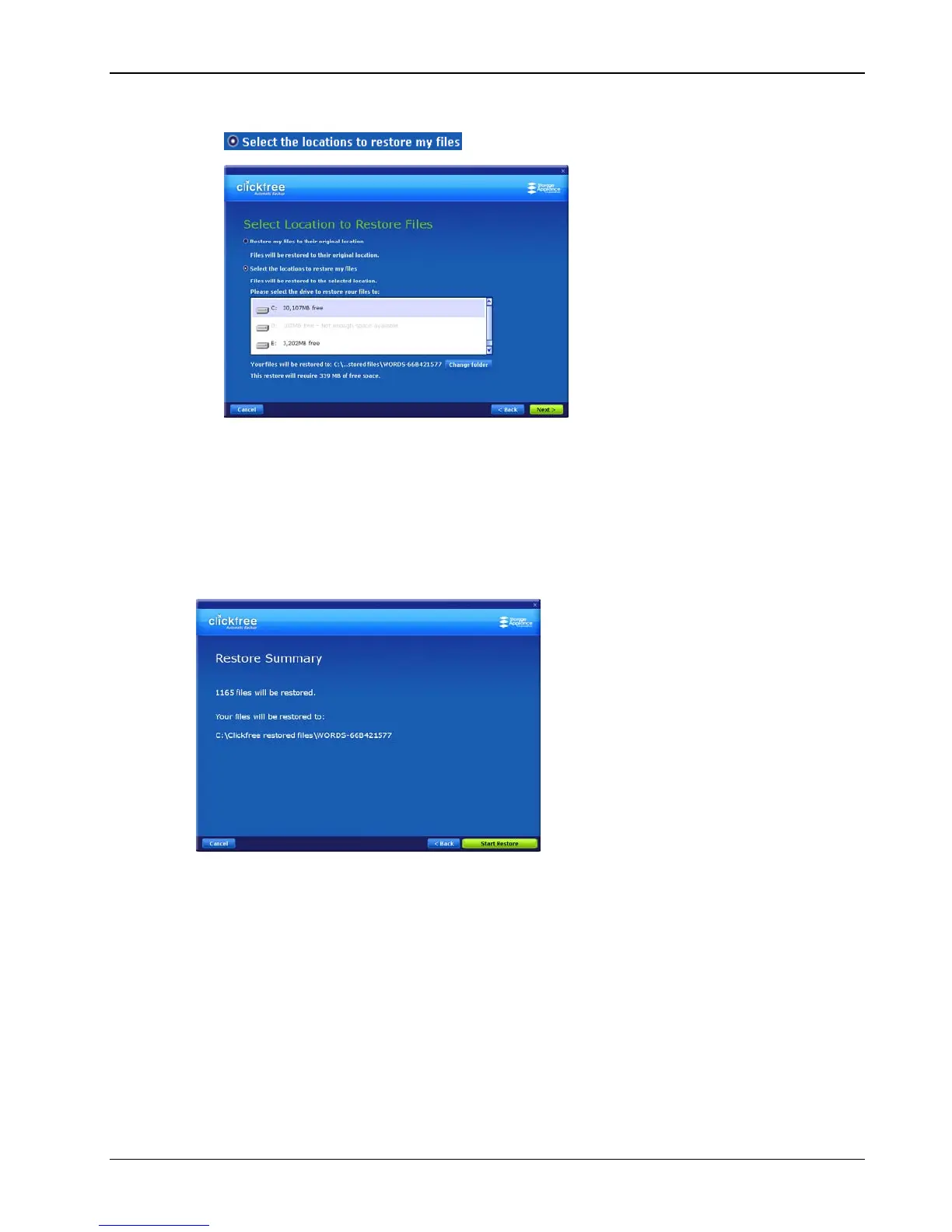
• If you want to restore your files to a location where they will not overwrite existing
files on your hard drive, click
Select the locations to restore my files
, and continue with step 9.
9. Click
Next >.
10. Assuming that there is enough space on your C: drive (as shown here), click
Next >.
To choose another drive or folder to restore to, see “How do I choose another drive
and/or folder to restore to?” on page 67 in the “Advanced topics (HD)” chapter.
A summary screen shows you how many files will be restored and where they will be
restored to.



 To Next Page