Clickfree Transformer SE User Guide Restoring my content (iPod)
Copyright © 2009 Storage Appliance Corporation. 96
5. What you do next depends on whether you want to restore all or only some of your
files.
• If you want to restore only some of your files, continue with step 6.
• If you want to restore all of your files, go to step 7.
C
HOOSING CATEGORIES OF CONTENT TO BE RESTORED
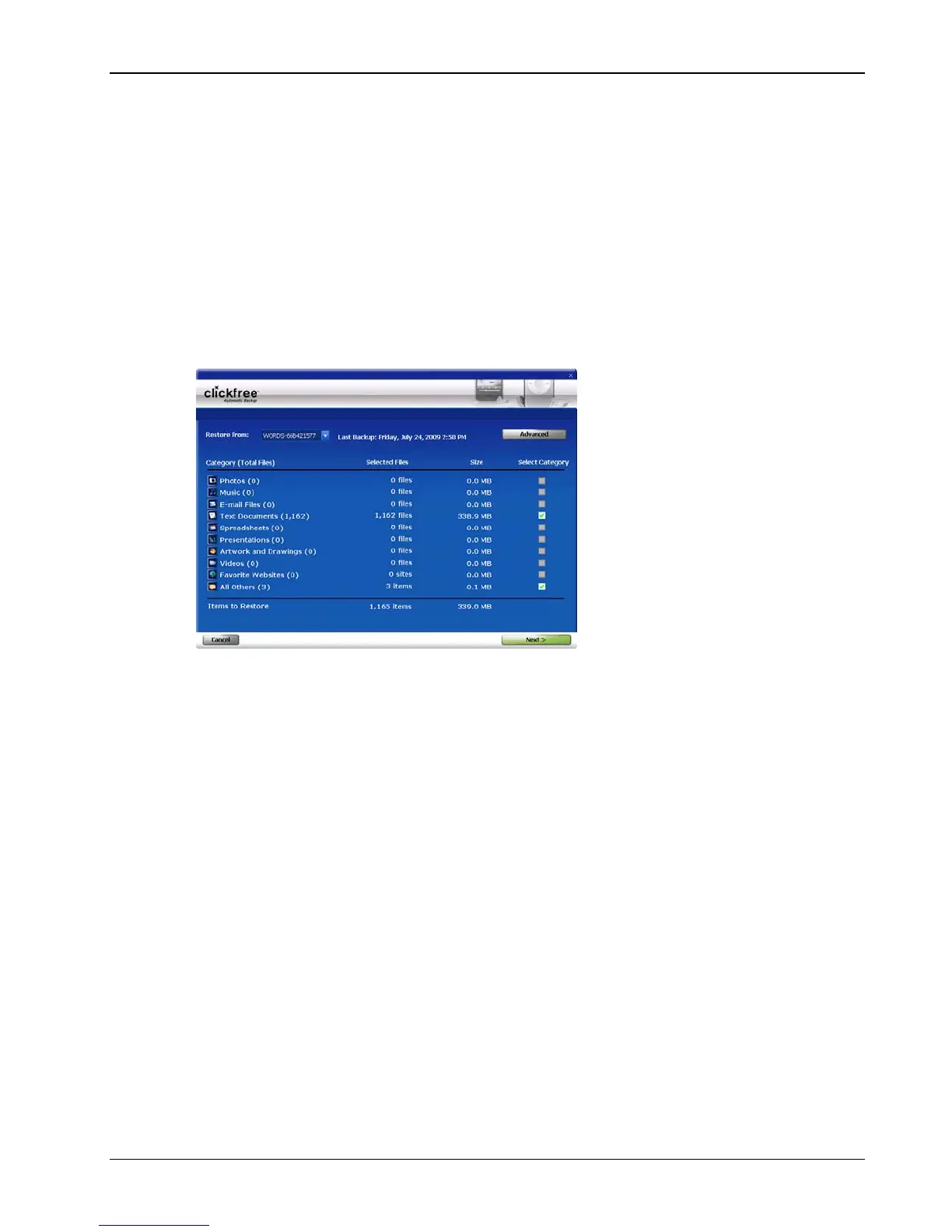
6. Note that all of the categories that contain files (with the number of files in parentheses
after the category name) have checkboxes that you can check off in the Select Category
column.
For each category whose content you want to restore, check the checkbox to select the
category.
You can also choose to restore content of individual file types within each category. For
details see “How do I choose individual files for restore” on page 126 in the “Advanced
topics
” chapter.
7. Click
Next >.



 To Next Page