Clickfree Transformer SE User Guide Advanced topics (HD)
♦ To stop getting reminders:
1. Right-click the Clickfree icon in the bottom right corner of your computer screen:
2. Click Uninstall.
The icon disappears, and reminders are permanently disabled.
If you want to see reminders in the future, you can install them again.
HOW DO I ADD/REMOVE/EDIT FILETYPES?
In addition to allowing you to choose to back up pre-defined file types within the pre-
defined categories, Clickfree has a category called Custom Extensions to which you can
add file types that are not included in the pre-defined categories.
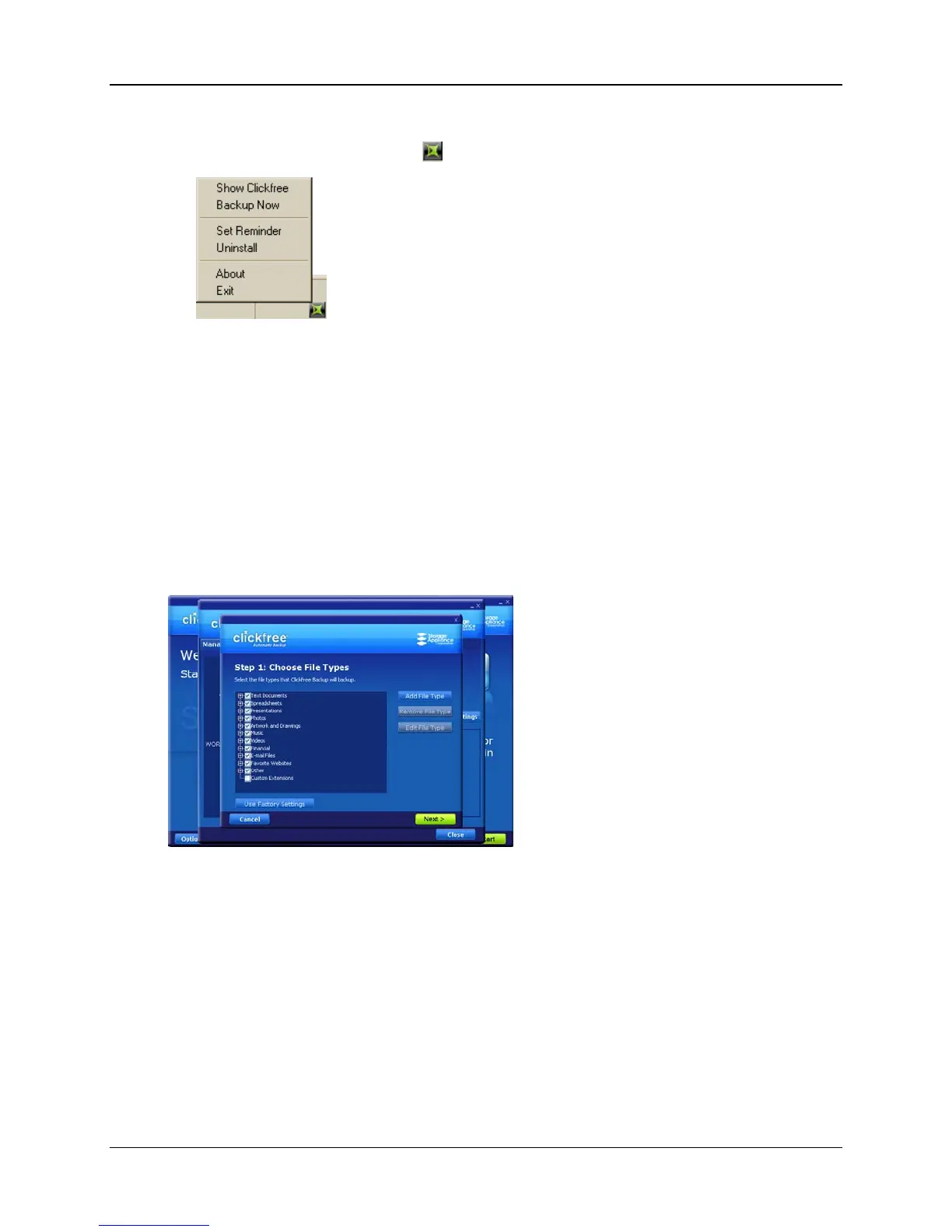
You can add, remove, and change file types using the
Choose File Types screen:
Copyright © 2009 Storage Appliance Corporation. 59



 To Next Page