Clickfree Transformer SE User Guide Advanced topics (HD)
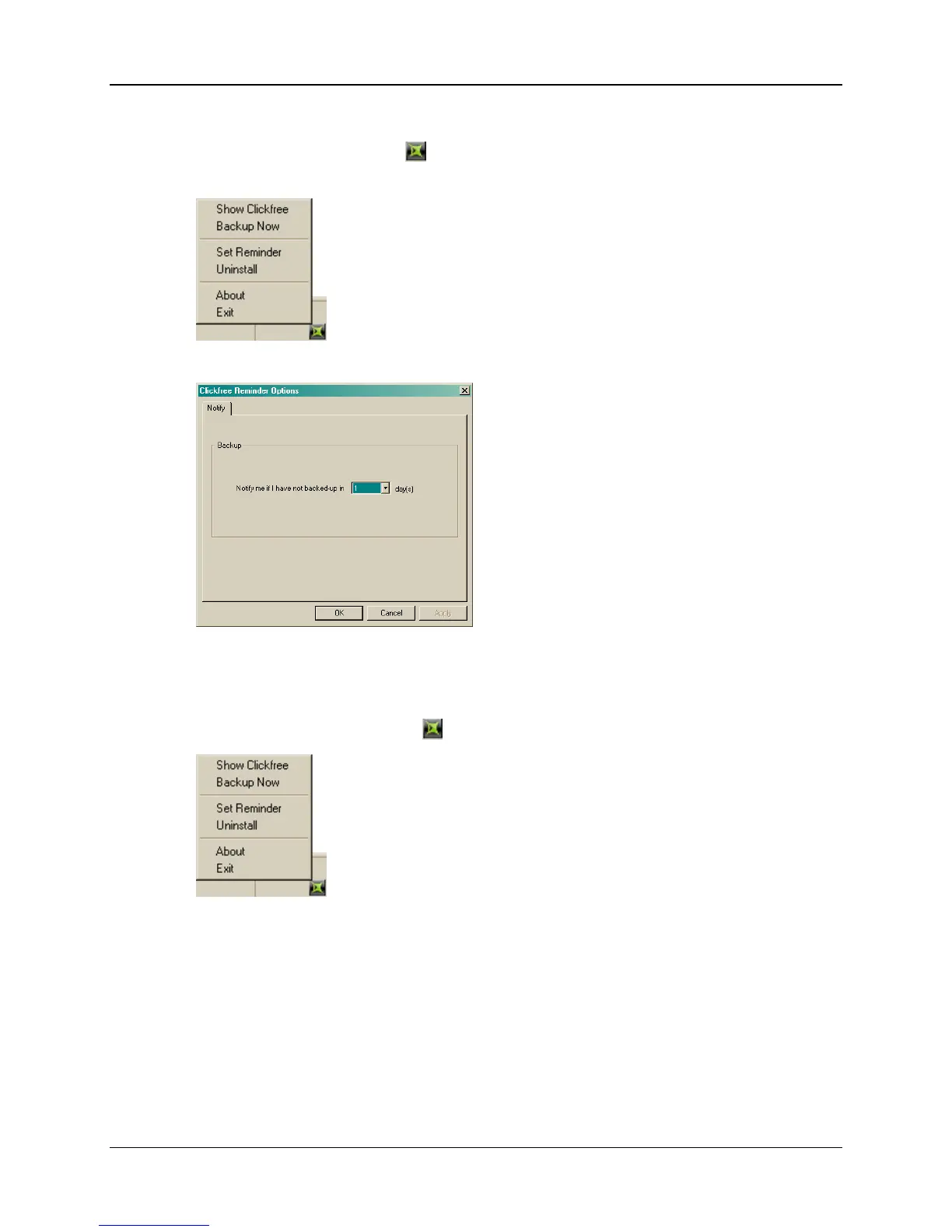
♦ To set the number of days before Clickfree reminds you to back up:
1. Look for the Clickfree icon in the bottom right corner of your computer screen,
and right-click it to show a menu:
2. Click
Set Reminder:
3. Enter the number of days after which you want to be reminded to back up, and click
OK.
♦ To temporarily disable reminders:
1. Right-click the Clickfree icon in the bottom right corner of your computer screen:
2. Click
Exit:
The icon disappears, and reminders are disabled until you next start up your
computer.
Copyright © 2009 Storage Appliance Corporation. 58



 To Next Page