Clickfree Transformer SE User Guide Browsing, Searching & Viewing my files (HD)
HOW DO I BROWSE MY BACKED-UP FILES?
♦ To browse for files that you have backed up:
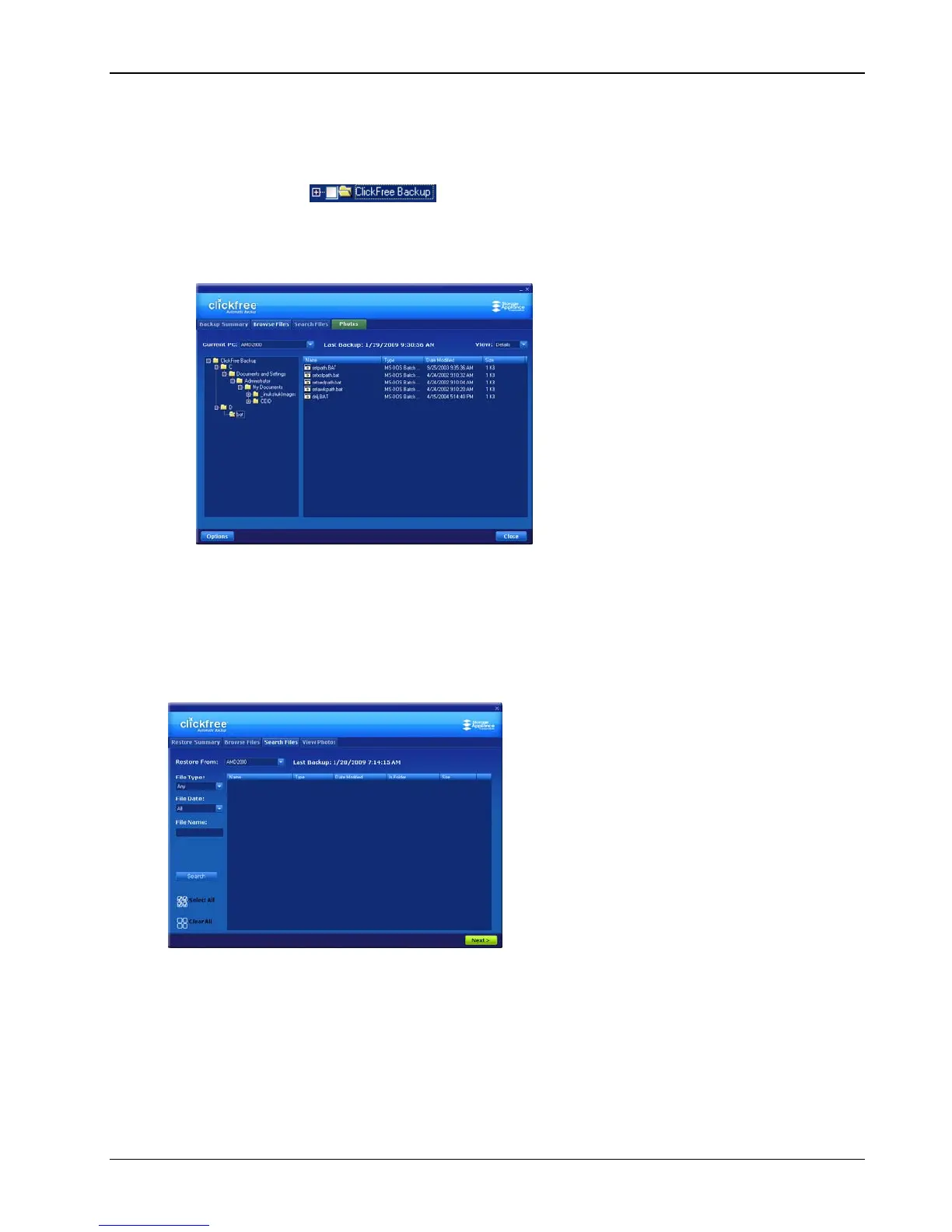
Expand and collapse the folders on the left side of the screen:
• Click the +
to expand the view
• Click ‘+’ to the left of a collapsed folder to expand it
• Click ‘-’ to the left of an expanded folder to collapse it
• Click a folder or the folder name to view the list of contents
To find out more about what you can do with the files that are displayed, see “What can
I do with files from browse, search and view photos” on page 47.
HOW DO I SEARCH FOR MY BACKED-UP FILES?
If you clicked the Search Files tab, the Search screen looks like this:
You can enter search factors to find the files you want.
If you clicked a category name, the
File Type is already filled in, and all files of that
category, regardless of
File Date or File Name, are displayed.
Copyright © 2009 Storage Appliance Corporation. 45



 To Next Page