Clickfree Transformer SE User Guide Browsing, Searching & Viewing my files (HD)
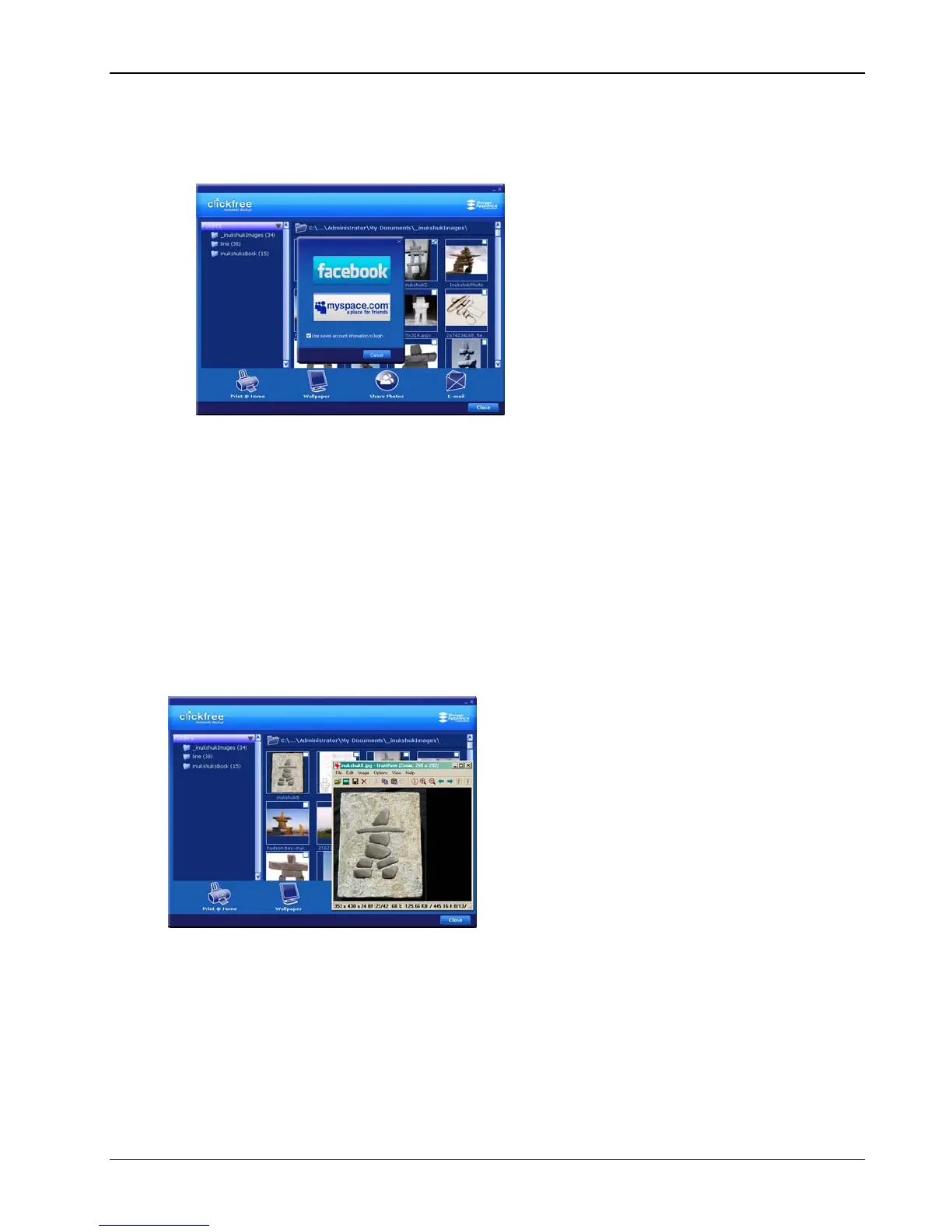
♦ To share photos:
1. Select the photos.
2. Click
Share Photos:
3. Click
facebook or myspace.com and log in.
♦ To email photos:
1. Select the photos.
2. Click
Email:
If you use
Outlook or Outlook Express for your email, the email program opens a new
blank message with the photos included as attachments.
3. Address and send the message as you would normally do.
♦ To open a photo:
Double-click the photo. It opens in your usual program for working with photos:
Copyright © 2009 Storage Appliance Corporation. 44



 To Next Page