Clickfree Transformer SE User Guide Advanced topics (HD)
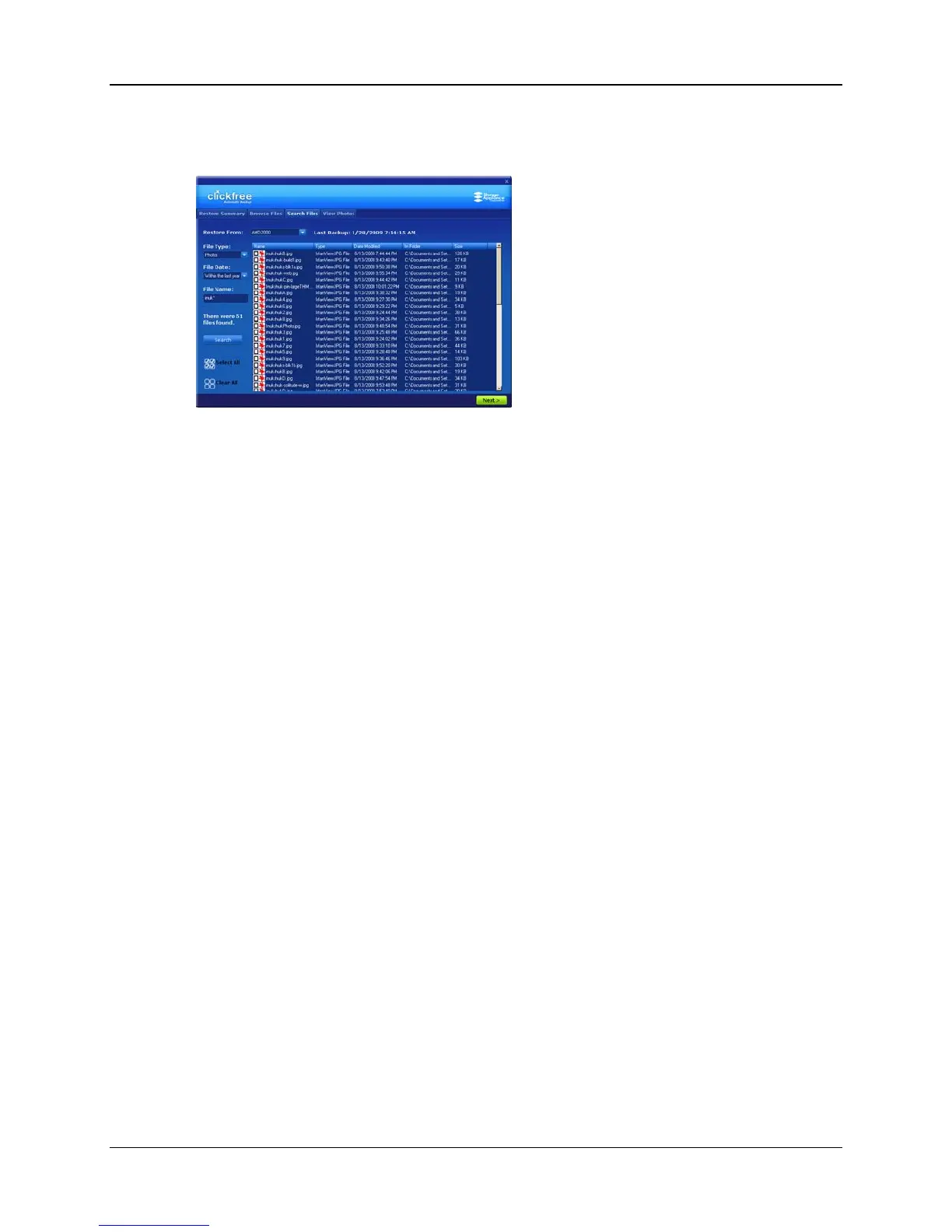
3. Click Search.
Files that match all of your search criteria are displayed.
4. Select the files to be restored, and click
Next >.
You are returned to the
Restore Summary screen where you can make more
selections.
5. If you are finished selecting files, click
Next >.
HOW DO I CHOOSE ANOTHER DRIVE AND/OR FOLDER TO RESTORE TO?
On the Select Location to Restore Files screen you can choose:
• the disk drive to restore content to (if you have more than one)
• the folder on that drive to use
If any drive does not have enough space for the content to be restored, the drive letter
and free space are ‘greyed’:
Copyright © 2009 Storage Appliance Corporation. 67



 To Next Page