Clickfree Transformer SE User Guide Restoring my content (iPod)
Copyright © 2009 Storage Appliance Corporation. 97
CHOOSING WHERE TO RESTORE CONTENT TO
8. What you do next depends on whether you want to restore your content to its original
locations or to somewhere else.
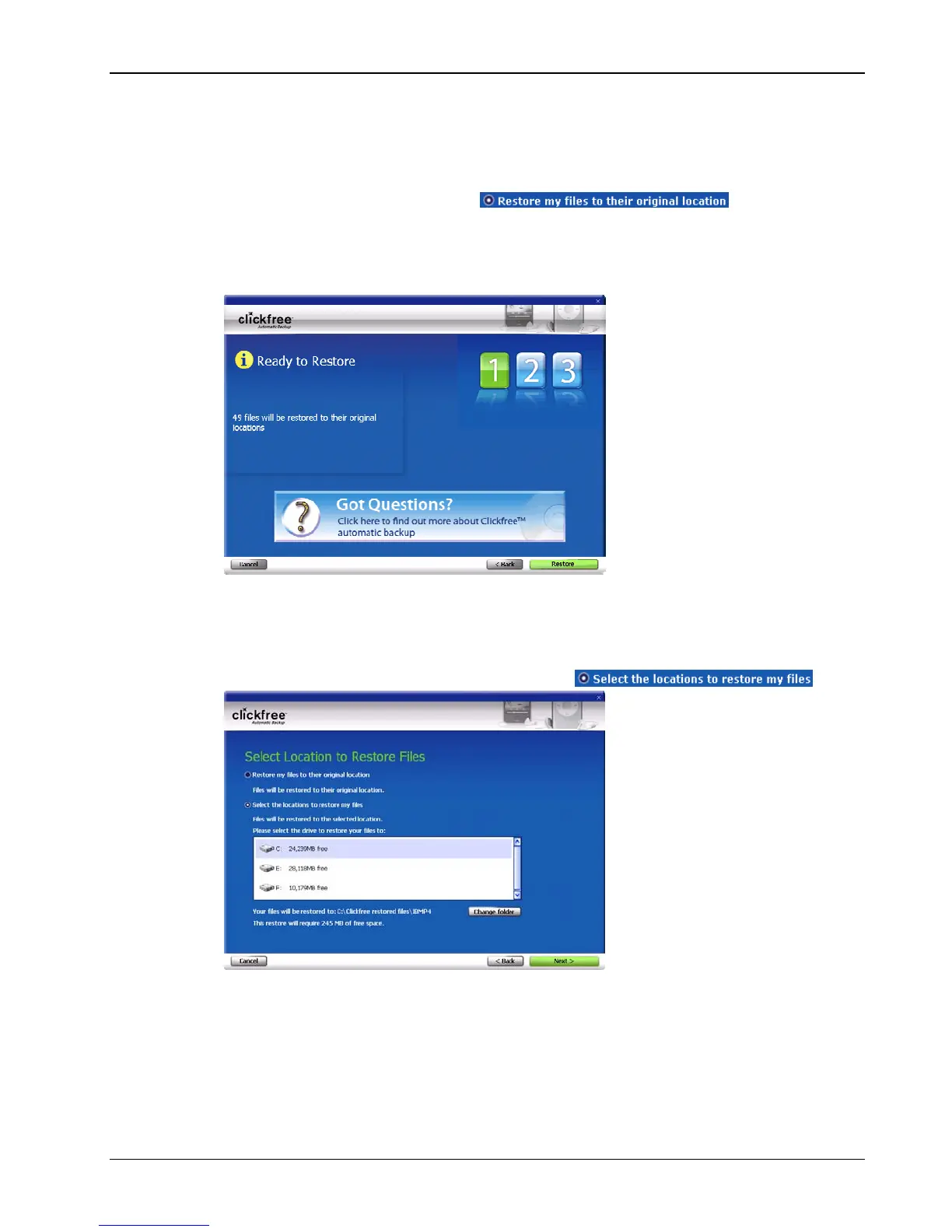
• If you want to restore your content to its original locations, leave
Restore my files
to their original location
selected , and click
Next>.
A summary screen shows you how many files will be restored and where they will
be restored to.
Click
Restore, and continue with step 11.
• If you want to restore your files to a location where they will not overwrite existing
files on your hard drive:
a. Click
Select the locations to restore my files
b. Choose another drive or folder to restore to, see “How do I choose another drive
and/or folder to restore to” on page 129 in the “Advanced topics” chapter.
c. Continue with step 9.



 To Next Page