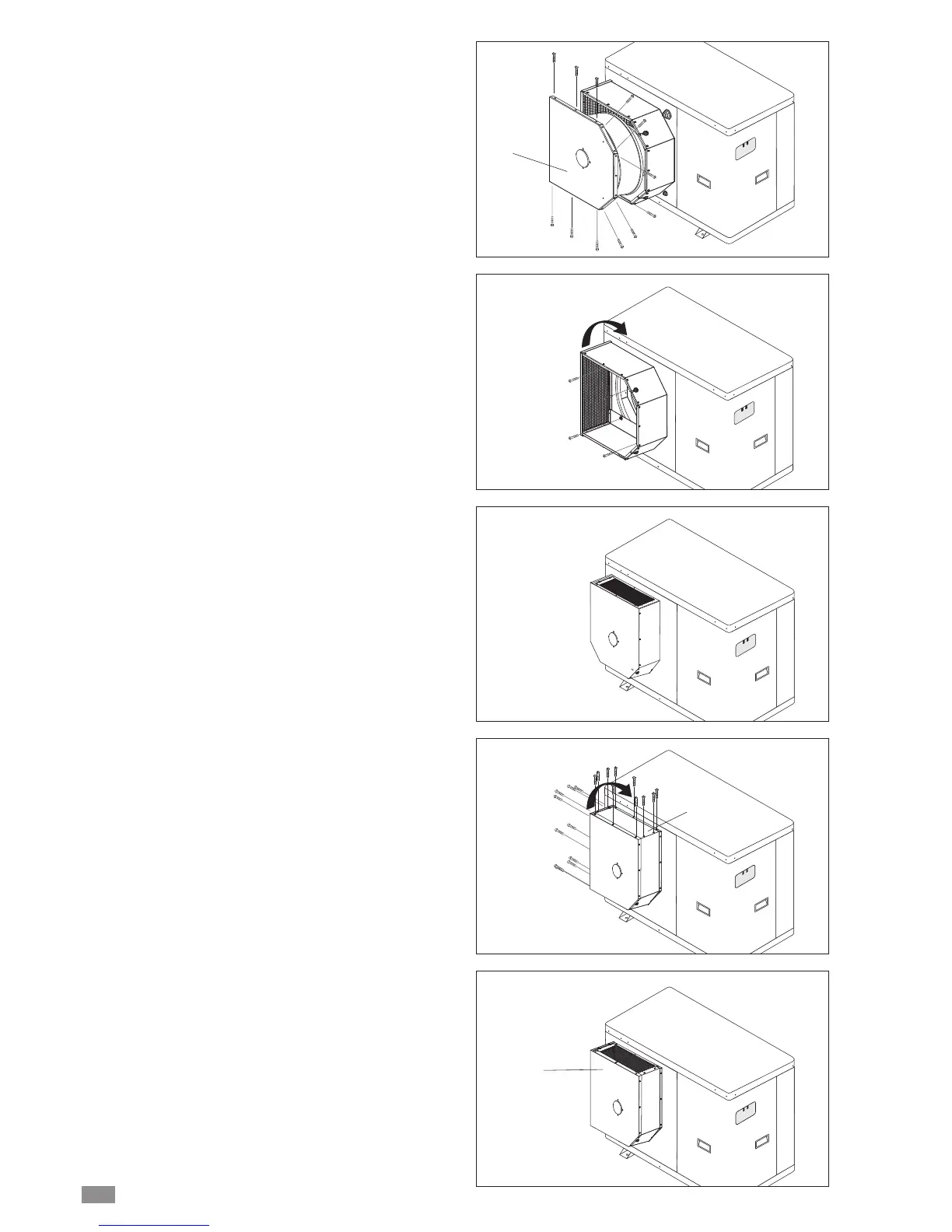
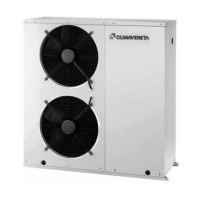
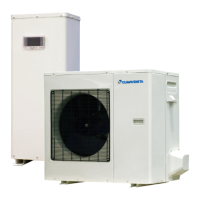
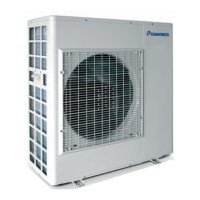
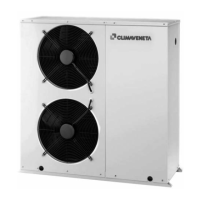
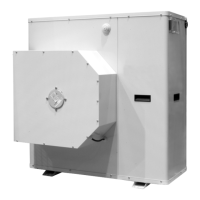
The appliance is factory fitted with the air outlet in position A
(side).
To move it to position B (top) for model 0021.
- Undo the fastening screws and remove the fan holder cov-
er P on the air outlet collar.
- Unscrew the four fastening bolts and remove the air outlet
collar.
- Turn the air outlet collar 90° clockwise and fasten the four
bolts that were removed previously.
- Replace the fan holder cover P with the fan fitted and
tighten the fastening screws.
To move it to position B (top) for models 0025 - 0031.
- Undo the fastening screws and remove the protection grill.
- Undo the fastening screws and remove the closed panel F.
- Invert the protection grid G with the panel F.
- Tighten the fastening screws..
P
F
G
BRA2 - BRN2 EN
12


 To Next Page