Model HF-15B High Frequency Spark Tester
HF-15B Instruction Manual – Page 26
--
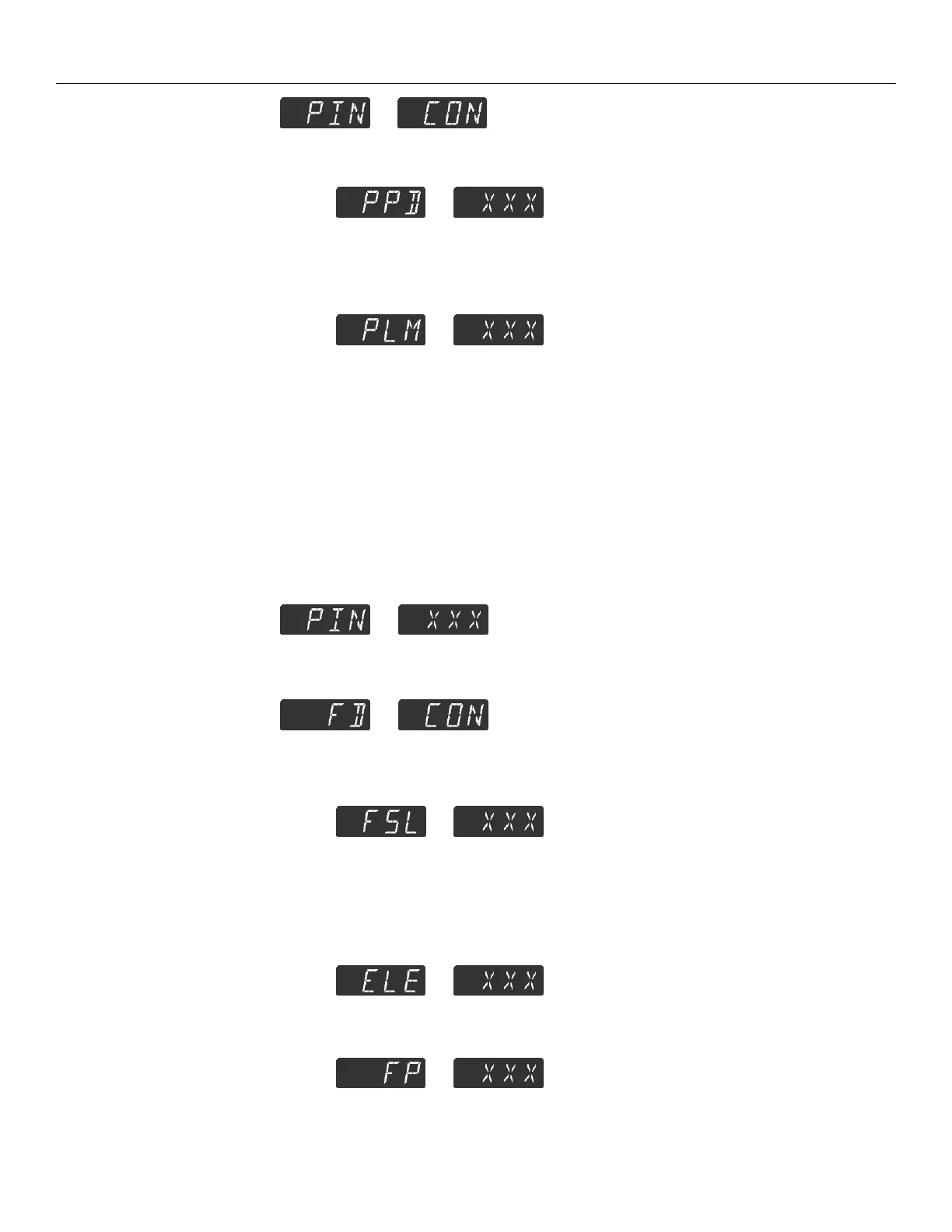
This is the password (PIN) configuration menu. For sub menu items
press B.
--
PIN protect RC Display on power up:
When “Yes”, the unit will be locked in the mode defined by “PLM”.
When “No”, the unit will not be locked on power up.
--
PIN lock mode: This can be set to “0”, “1”, “2”, or “3”.
When the unit is locked, the different modes will lockout the
following functions on the RC Display.
“0”: Configuration Menu Access.
“1”: Configuration Menu Access, Voltage Adjust.
“2”: Configuration Menu Access, Voltage Adjust, CR Button.
“3”: Configuration Menu Access, Voltage Adjust, CR Button, R
Button.
--
This is where the PIN number is displayed and can be modified. The
factory default PIN code is 111.
--
This configures the settings associated with fault detection for the unit.
--
This configures the unit’s fault sensitivity. See Fault Sensitivity in the
“Definition of Terms” section of the manual for more information.
“NOR”: Normal Sensitivity
“RED”: Reduced Sensitivity
--
It is recommended that this be configured to the electrode length in
inches.
--



 To Next Page