www.clouddrive.tech
Empower and serve the global eBike industry
Business Cooperation
Jim@clouddrive.tech
Page
12
of 19
7.5. Cruise mode setting
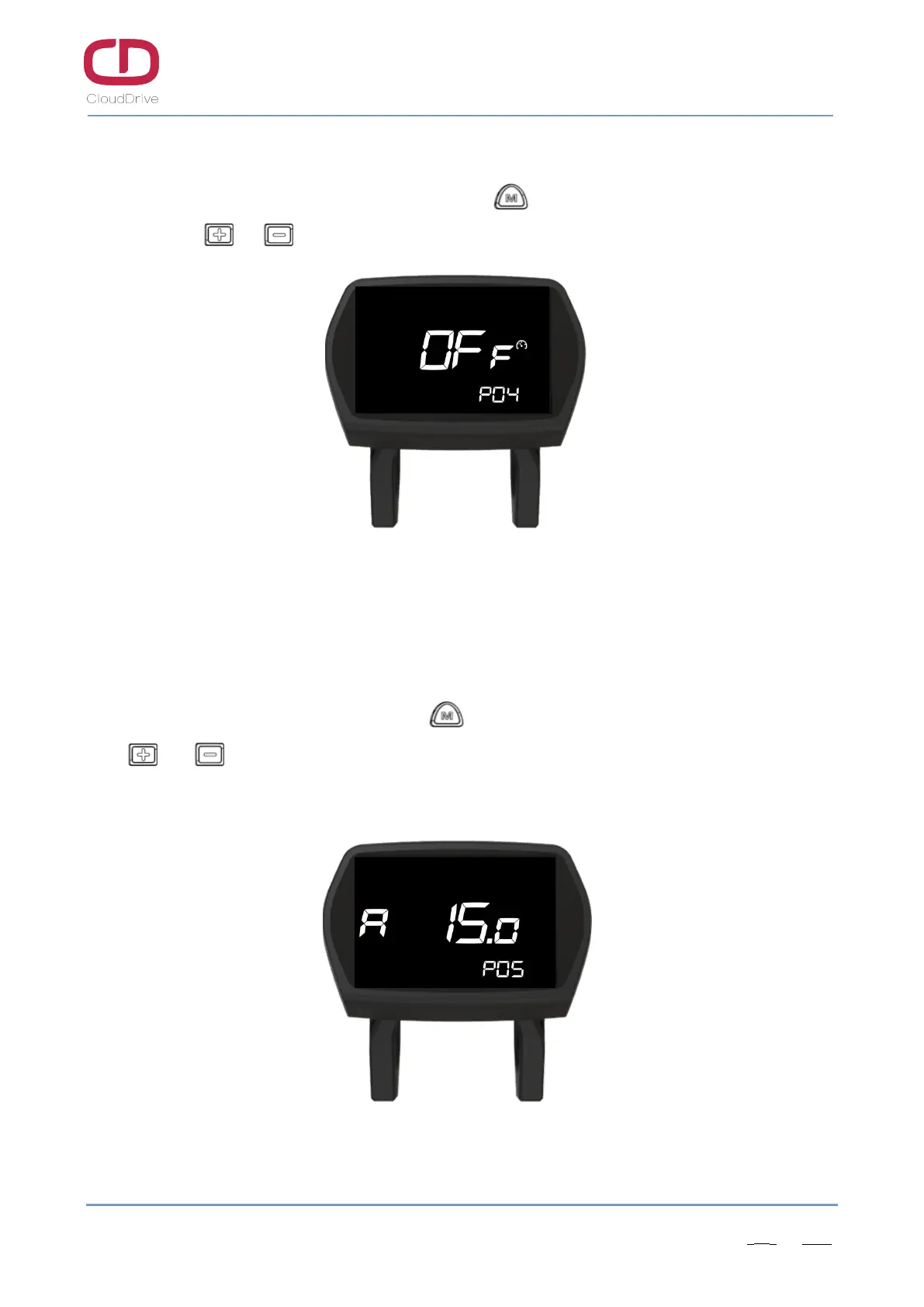
After finish the startup password changing, click button to enter the cruise mode setting
interface, click or button to turn on/off the cruise mode. (The default cruise mode is OFF)
Figure7-5 Cruise mode setting
7.6. Current limit setting
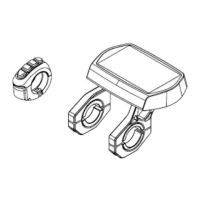
After finish the cruise mode setting, click button to enter the current limit setting interface,
click or button to increase or decrease the current limit value. (It increases or decreases by
0.5A each time, the current limit value range is: 5 - 60A)
Figure7-6 Current limit setting


 To Next Page