8
Voicemail
The Voicemail tab will display all your voicemail
messages. You'll be prompted to set up your visual
voicemail if it is your first time opening this tab.
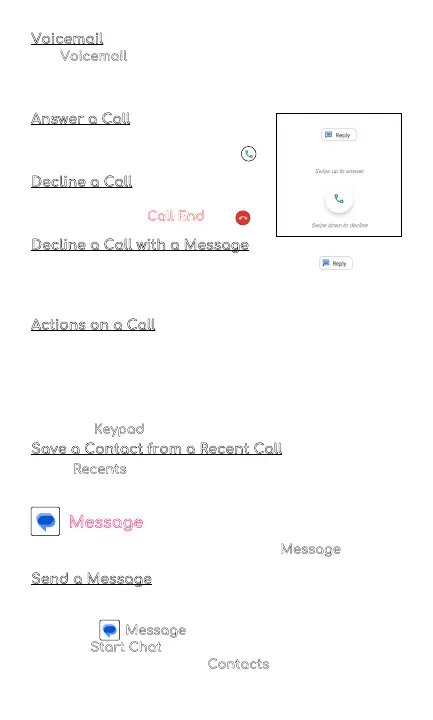
Answer a Call
On the incoming call screen, swipe
your finger up to answer a call .
Decline a Call
To decline a call, swipe your
finger to the Red Call End
key .
Decline a Call with a Message
You can decline a call with a text message .
Choose from responses listed or write your own
response.
Actions on a Call
While you are on a call, you can do the following:
• Mute the call
• Choose to put call on speaker
• Add call
• Hold the call
• Use the
Keypad
Save a Contact from a Recent Call
In the Recents tab of your phone app, you can save a
contact from a recent call.
Message
Send and receive messages with the Message app.
Send a Message
Compose a new message to a saved contact or
manually enter a phone number.
1. Tap the Message
2. Select Start Chat button in the bottom right corner
3. Choose recipients from Contacts
or enter a phone
number



 To Next Page