9
Receiving a Message
When you receive a message, you’ll be notified. To see
your message, open the Message
app to view.
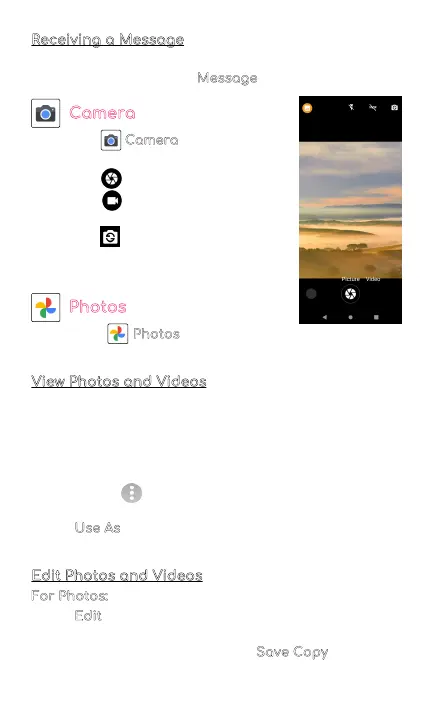
Camera
• Tap the Camera to enter camera
mode and open the interface.
• Tap the button to take a picture.
• Tap the button to start camera
recording.
• Tap the in the top right corner
to switch between the front and
back camera.
Photos
Go to your Photos to view, edit, and manage your
photos and videos.
View Photos and Videos
• Tap on a photo to view it
• Swipe left or right to view other photos or videos in
order
• Tap on the star icon in the top right corner to mark
the photos as a favorite
• Tap on the three dots in the upper right corner to
see more details
• Tap Use As
to set the selected photo as your
wallpaper or assign it to a contact
Edit Photos and Videos
For Photos:
• Tap Edit to rotate, crop, or add a filter to your
photo
• To save your edited photo, tap Save Copy
in the top
right corner



 To Next Page