10
For Videos:
• Tap Edit to to adjust the length
of your video
• To save your edited video, tap
Save Copy
in the top right
corner
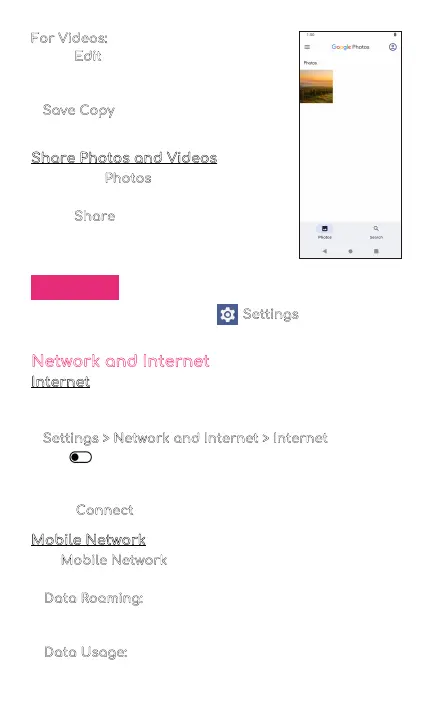
Share Photos and Videos
From your Photos,
• Tap on a photo or video
• Tap Share
and choose a
Contact or an app to share
your photo or video selection
Settings
To change settings, tap on Settings in your app
menu.
Network and Internet
Internet
You can connect your phone to a Wi-Fi network to
access the internet without using your mobile data.
1. Settings > Network and Internet > Internet
, and then
tap to turn on Wi-Fi and scan for available
networks
2. Tap a network and enter password if required
3. Tap Connect
Mobile Network
Use Mobile Network to configure your phone’s ability
to connect to mobile networks or mobile data.
• Data Roaming:
Choose whether to allow your phone
to connect to mobile data when outside your
carrier's network area
• Data Usage:
Select to enable or disable mobile data,
view current usage, or set mobile data limit



 To Next Page