Operating instructions
Display a Single Device report
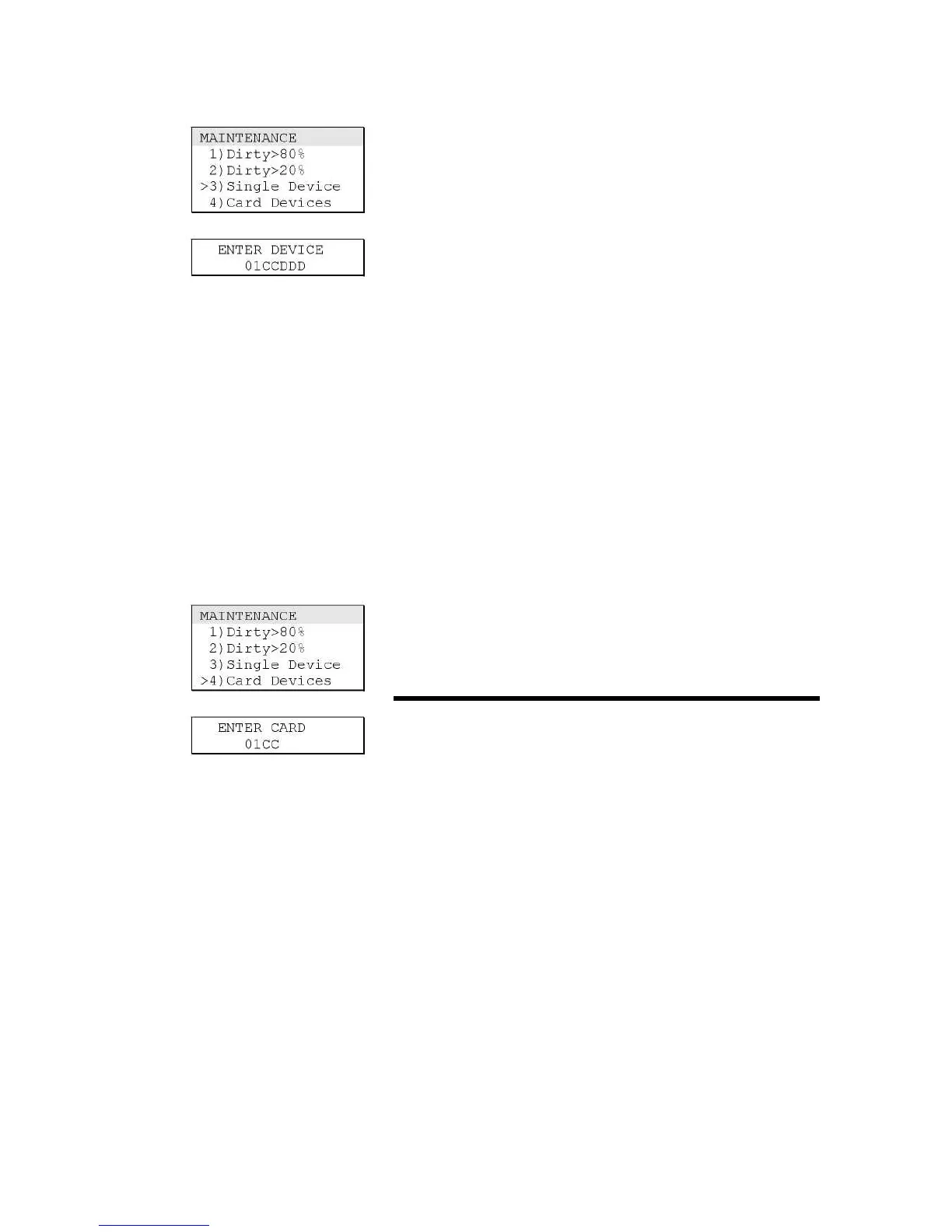
Use the Single Device command on the Maintenance menu to
display a Single Device report. A Single Device report lists the
configuration settings for an individual fire alarm sensor. The
report includes the following information:
• The device address
• The detector type
• The location description (if programmed)
• The compensation level (percent dirty)
• The primary alarm sensitivity setting
• The alternate alarm sensitivity setting
To display a Single Device report:
1. Press Menu.
2. From the main menu, choose Reports, then Maintenance,
and then Single Device.
3. Enter the panel-card-device address (PPCCDDD) of the fire
alarm sensor.
4. On the Report Output menu, choose the following:
• Display to view the list on the alphanumeric display
Display a Card Devices report
Use the Card Devices command on the Maintenance menu to
display a Card Devices report. A Card Devices report lists the
operating parameters for all fire alarm sensors on a specific loop
controller.
To display a Card Devices report:
1. Press Menu.
2. From the main menu, choose Reports, then Maintenance,
and then Card Devices.
3 Enter the panel-card address (PPCC) of the loop controller.
4. On the Report Output menu, choose the following:
• Display to view the list on the alphanumeric display



 To Next Page