Operating instructions
3.15 Restarting the fire alarm system
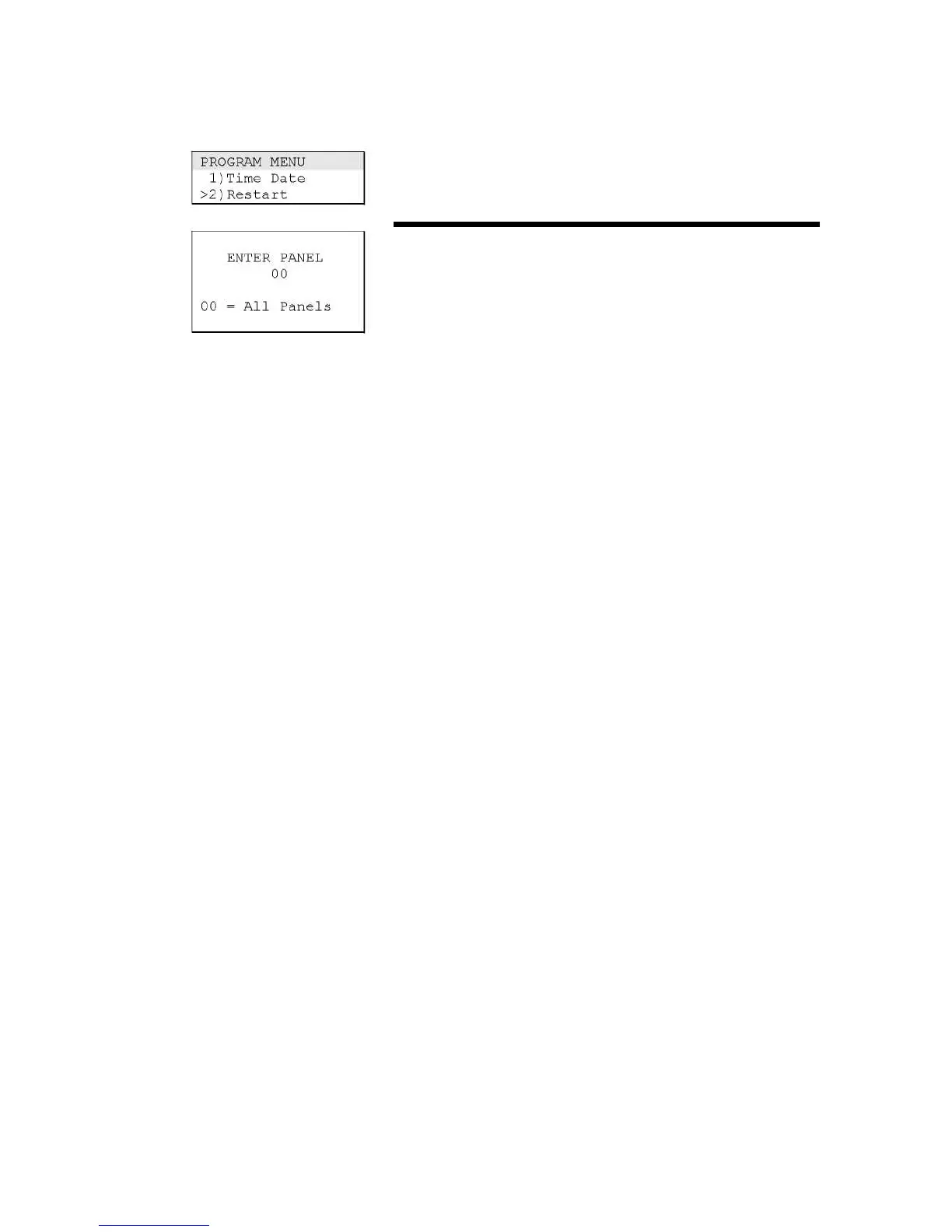
Use the Restart command on the Program menu to re-initialise
the fire alarm system without removing power.
To restart the fire alarm system:
1. Log on using the level 2 password.
2. From the main menu, choose Program, then Restart.
3. Enter a panel number or press Enter to accept the default (all
panels).



 To Previous Page