Operating instructions
3.2 Checking system status
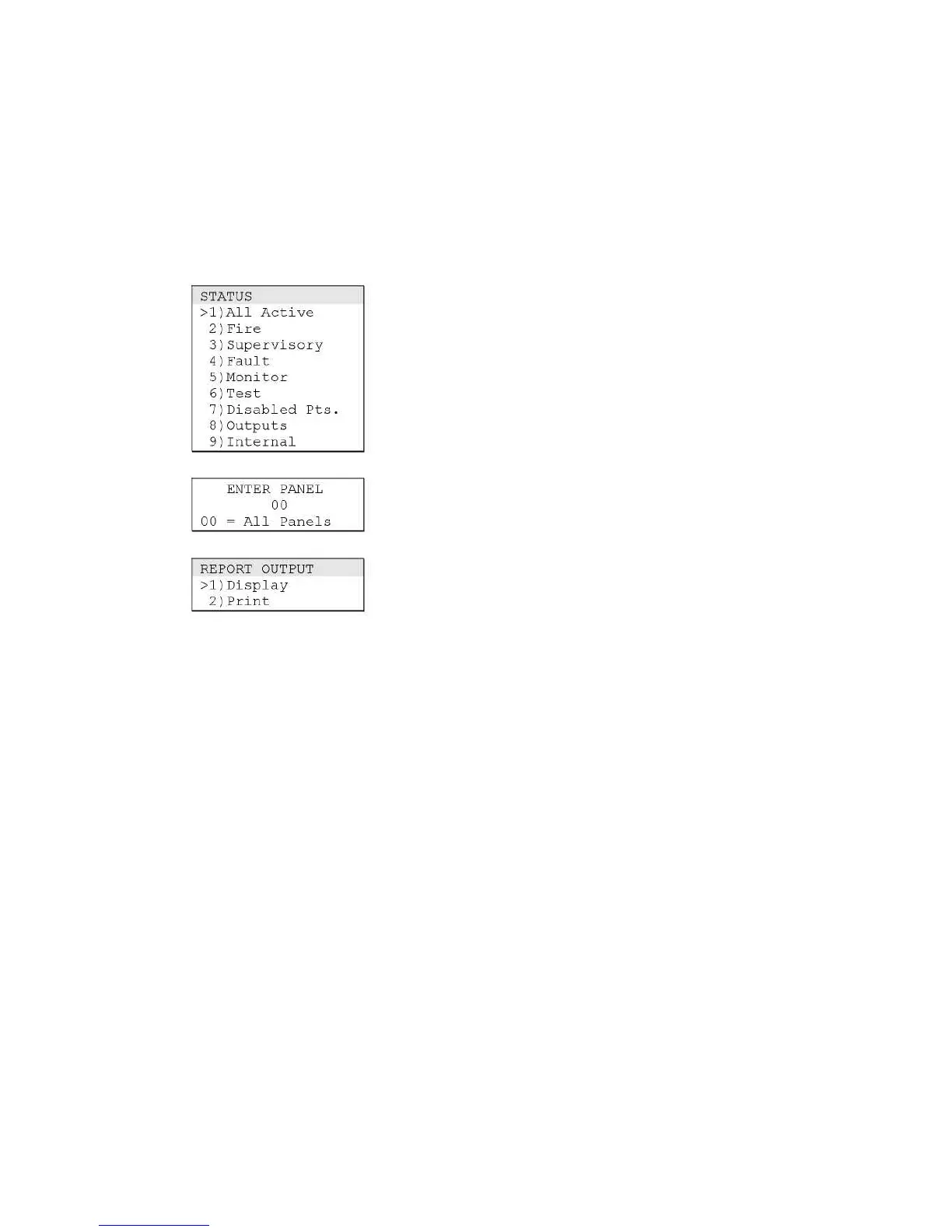
The Status menu commands let you check the status of the fire
alarm system. Each command generates a list that you can view
on the alphanumeric display or print for later use.
Displaying a list of abnormal points
Use the All Active command on the Status menu to display a
list of all points in the system that are not in the normal
condition.
To display a list of abnormal points:
1. Press Status.
2. From the Status menu, choose All Active.
3. Press Enter to accept the default (all panels).
4. On the Report Output menu, choose the following:
• Display to view the list on the alphanumeric display
Displaying a list of abnormal fire alarm points
Use the Fire command on the Status menu to display a list of
fire alarm points (i.e. call point, heat, smoke, verified smoke,
and sprinkler inputs) that are not in the normal condition. The
list also includes any fire-related pseudo points.
To display a list of abnormal fire alarm points:
1. Press Status.
2. From the Status menu, choose Fire.
3. Press Enter to accept the default (all panels).
4. On the Report Output menu, choose the following:
• Display to view the list on the alphanumeric display
Displaying a list of abnormal supervisory points
Use the Supervisory command on the Status menu to display a
list of supervisory points (i.e., latching supervisory, latching
tamper, supervisory, and tamper inputs) that are not in the
normal condition. The list also includes any supervisory-
related pseudo points.
To display a list of abnormal supervisory points:
1. Press Status.
2. From the Status menu, choose Supervisory.



 To Next Page