Operating instructions
3.5 Performing a lamp test
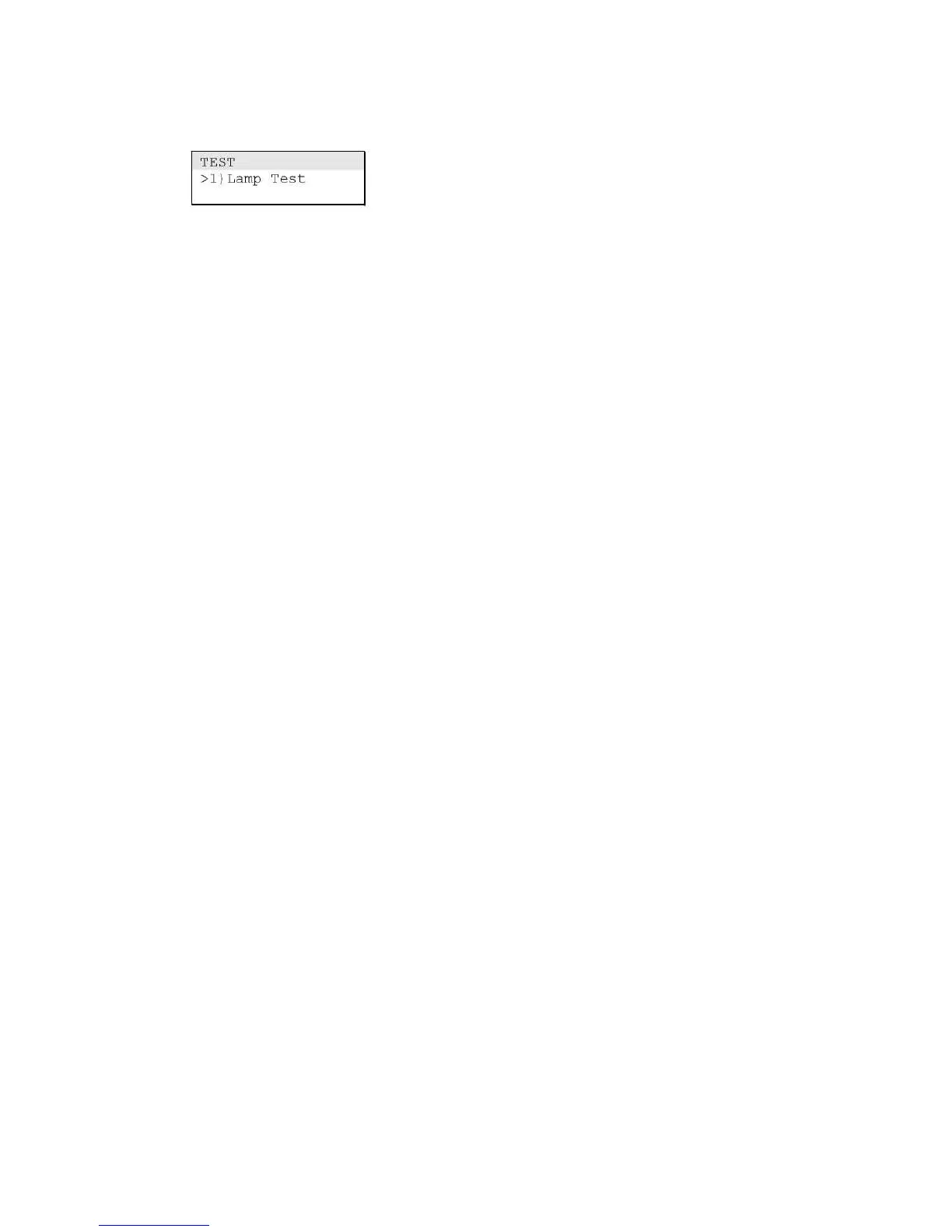
Use the Lamp Test command on the Test menu to verify the
operation of the alphanumeric display and the LED indicators.
The lamp test command temporarily turns on the panel buzzer,
all LED indicators, and every pixel on the alphanumeric display.
Note: When operated from the control panel CPU/Display Unit,
the lamp test command only tests the control panel. When
operated from a repeater panel CPU/Display Unit, the lamp test
command tests all repeater panels at the same time.
To perform a lamp test:
1. Press Menu.
2. From the main menu, choose Test, and then Lamp Test.



 To Next Page