Operating instructions
3.4 Displaying the alarm history
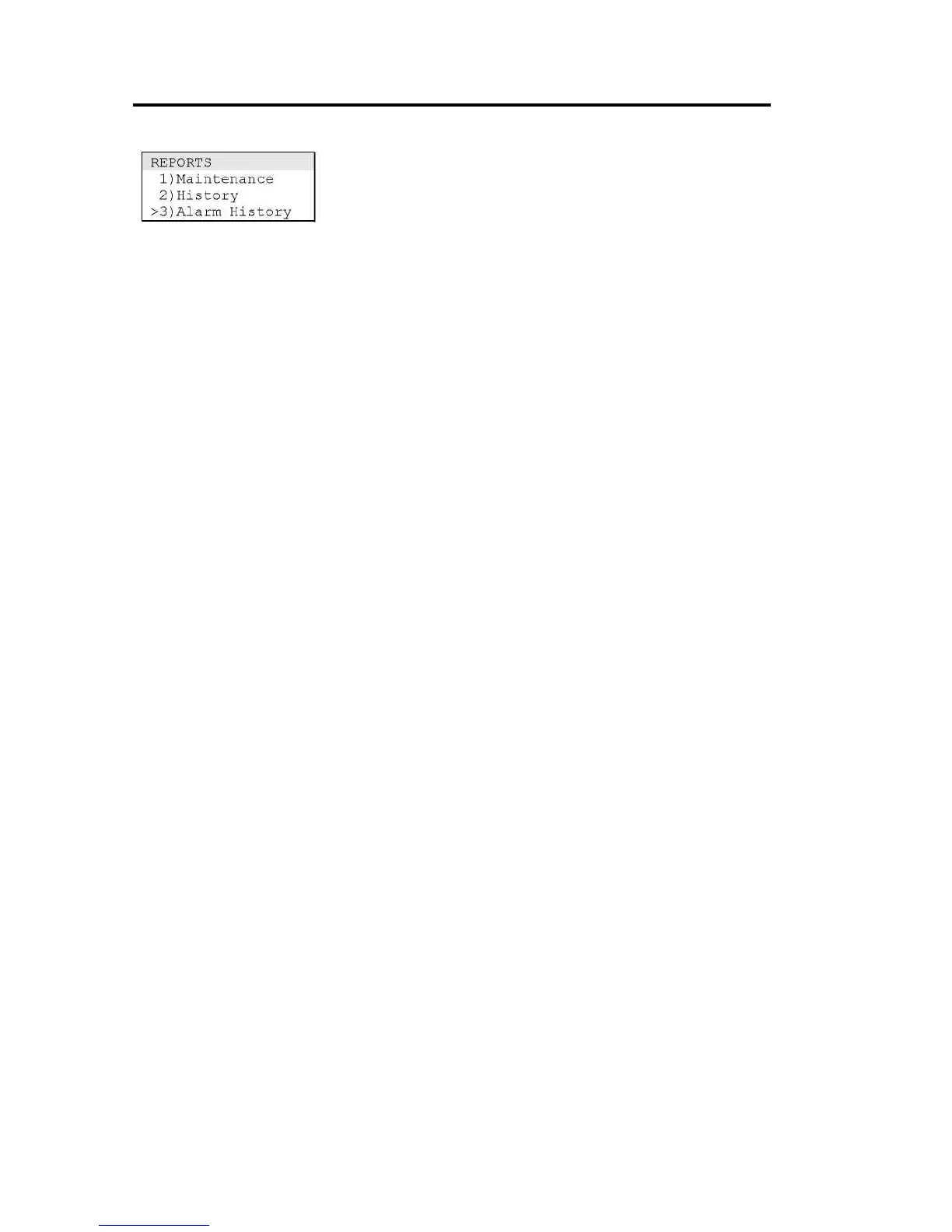
Use the Alarm History command on the Reports menu to display
the alarm history while the control panel is in an abnormal
condition. The alarm history display shows how many times the
control panel has entered the fire alarm condition.
To display the alarm history:
1. Press Menu.
2. From the main menu, choose Reports then Alarm History.



 To Next Page