23
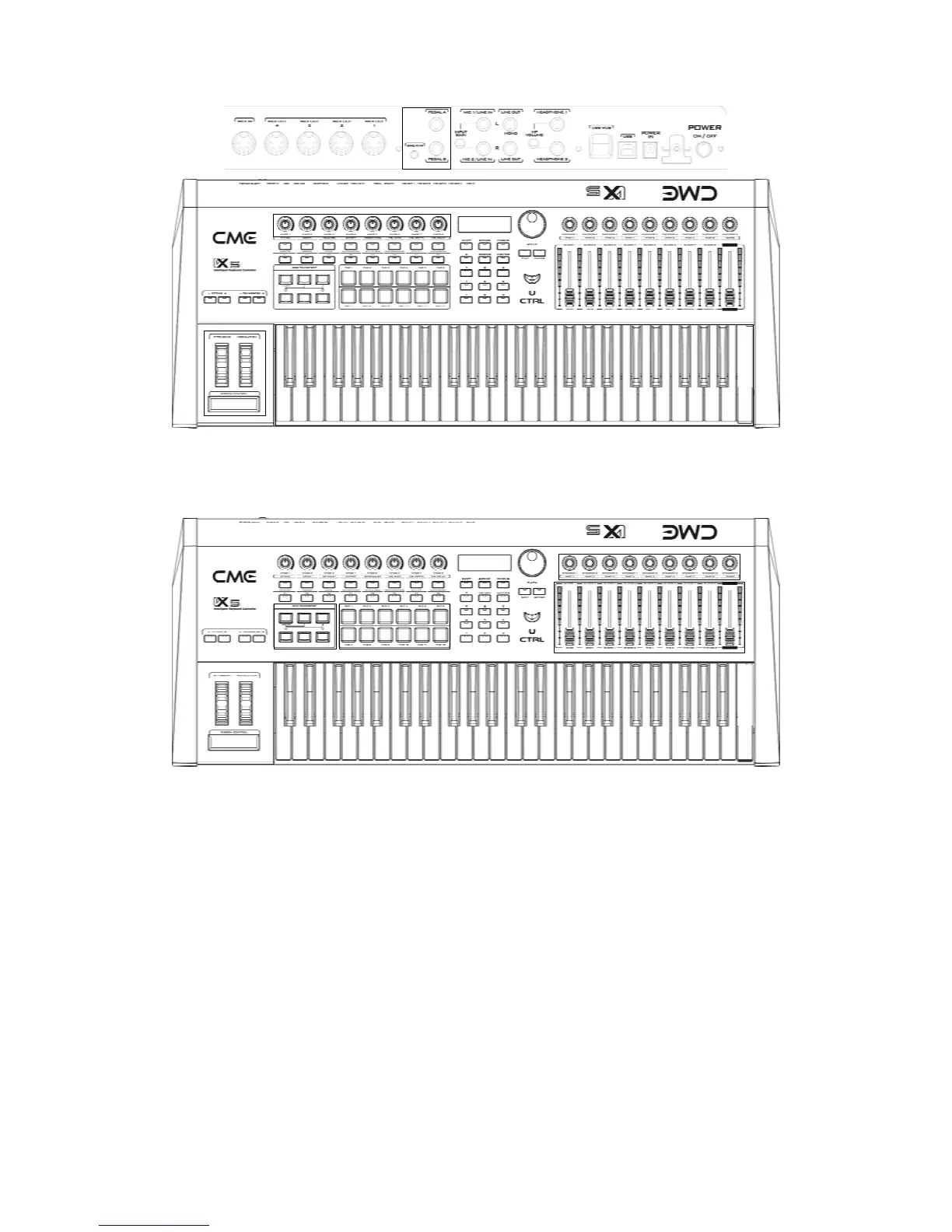
Parts related to MIDI controllers, including: pads 1-12, encoder knobs 1-9,
motorized faders 1-9, SEQ transportation buttons. Those parts will use their own
port/channel settings.
Recorded fader movements when the AUTOMATION button is on.
MIDI files ready for play when the STYLE SEQ button is on.
Keyboard split settings when the ZONE button is on.
Scale/temperament settings when the PERFORMANCE button is on.
Multiple expansion board settings.
8.1.2 Voice Navigation Using The Favorite Folders
The 8 favorite folders in F1-F8 buttons can be used to save a lot of settings, in which
the most settings include MIDI port/channel and voice settings. When we have the VX
connected to a hardware or software sound module, and ready to play it in the MASTER
mode, the first thing to do is selecting port/channel and voice before we can play. You can
make those settings in the first page of the F1-F8 favorite folders.
You can use the 8 buttons to select the 8 most favorable voices. When a voice is
selected, you can use all the other control parts to send MIDI control messages for this
voice, to improve the voice or get some special effects and enrich your performance. For
faders and encoders, you have to specify port/channel settings separately.


 To Next Page