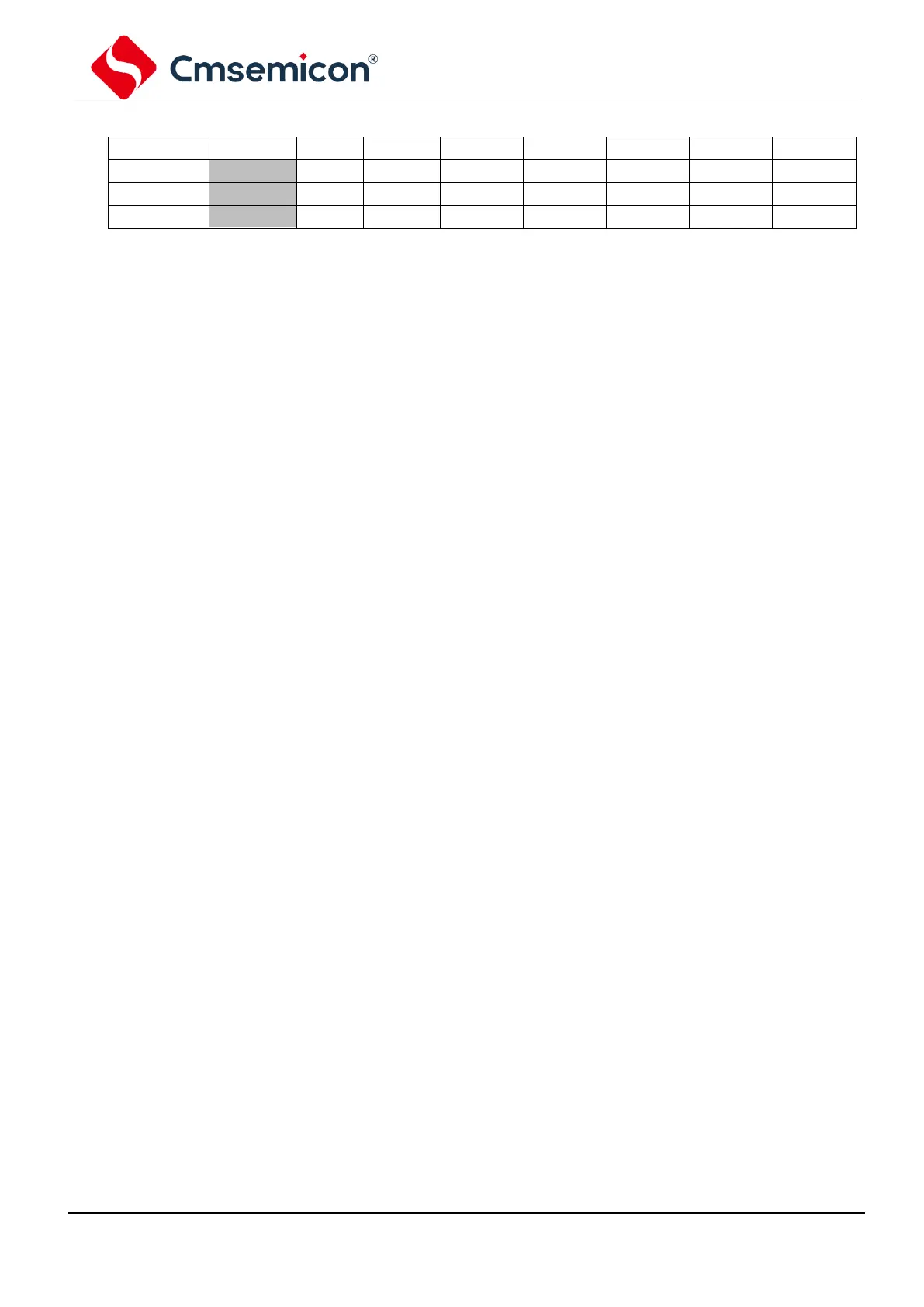
Peripherals interrupt request registerPIR2 (107H)
Touch button detection over interrupt flag bit
Touch button detection over interrupt happens (must clear through software);
Touch button detection over interrupt not happen.
The COMP interrupt happens (must clear through software);
The COMP interrupt not happen.
The IIC interrupt condition is met. Before returning from the interrupt service
program, it must clear through software. The conditions for making this bit 1 are::
- I
2
C slave/master control;
- transmit/receive happens;
- I
2
C master control;
- The start condition that occurs is done by IIC mod;
- The stop condition that occurs is completed by IIC mod;
- The restart condition that occurs is done by IIC mod;
- The respond condition that occurs is done by IIC mod;
- The start condition occurs when the IIC mod is idle (multi-host system);
- The stop condition occurs when the IIC mod is idle (multi-host system);.
No IIC interrupt condition is met.
bus conflict interrupt flag bit;
When configured as I
2
Cmaster control mode, bus conflict happens in IIC;
PORTC level change interrupt flag bit
PORTC level change interrupt happen (must clear through software);
PORTC level change interrupt not happen.
PORTA level change interrupt flag bit
PORTA level change interrupt happen (must clear through software);
PORTA level change interrupt not happen.
Supply voltage lower than setting voltage by LVD (must clear through software);
Supply voltage higher than setting voltage by LVD .



 To Next Page