C32 (Rev. 5) User Manual
___________________________________________________________________________
User’s Manual Page 15
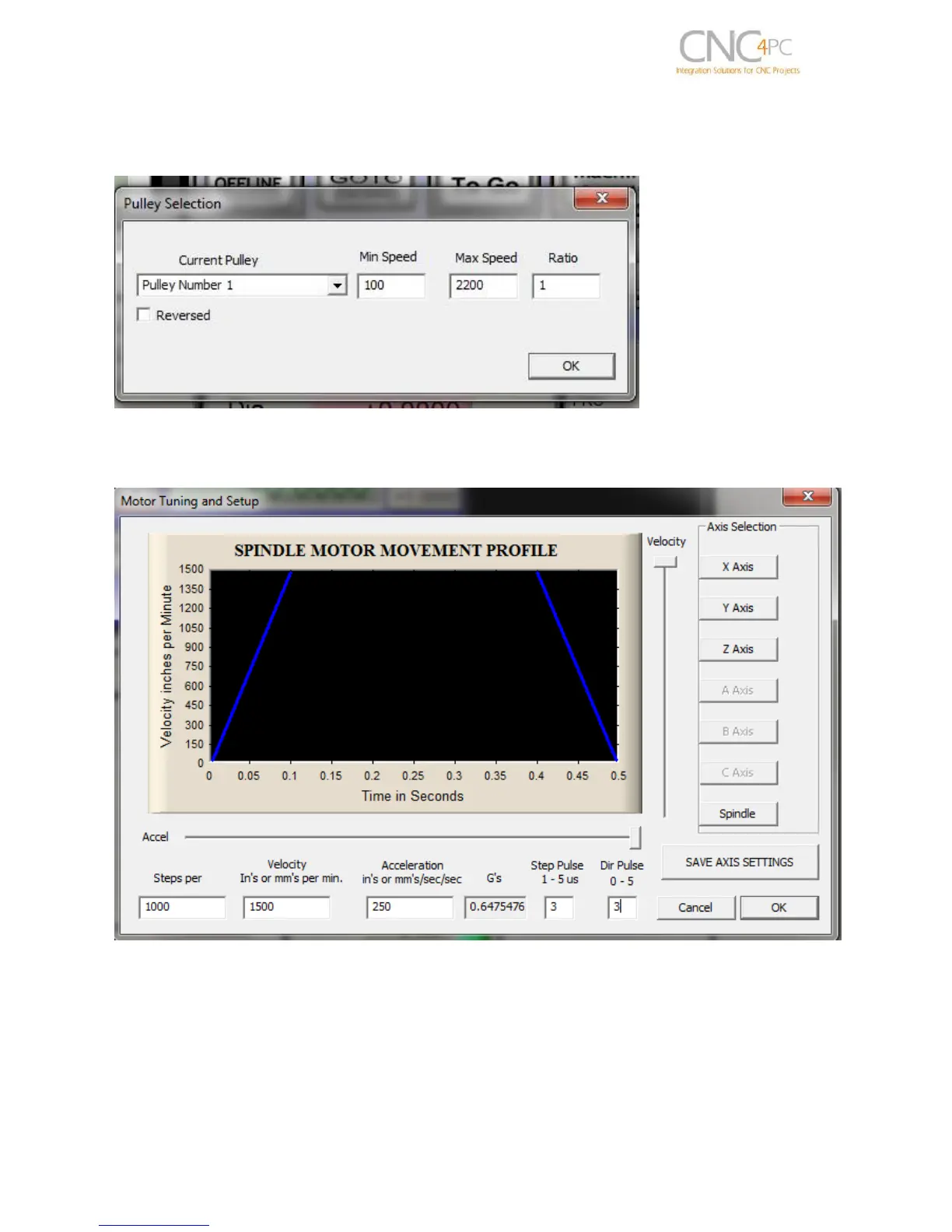
Under Pulley Ratios set the pulley ratios of the machine.
Spindle Setup screenshot
Go to Config / Motor Tuning / Spindle. Set the velocity and acceleration to the max.
Motor Tuning and Setup screenshot
After configuring the Mach, these steps should be followed.
Connect a multimeter to the analog output terminals to fine tune the analog output.
Comment the spindle to go at max speed and make sure you get +10vdc. To adjust it
you can play with the potentiometer or the max speed you have set under motor tuning.



 To Next Page