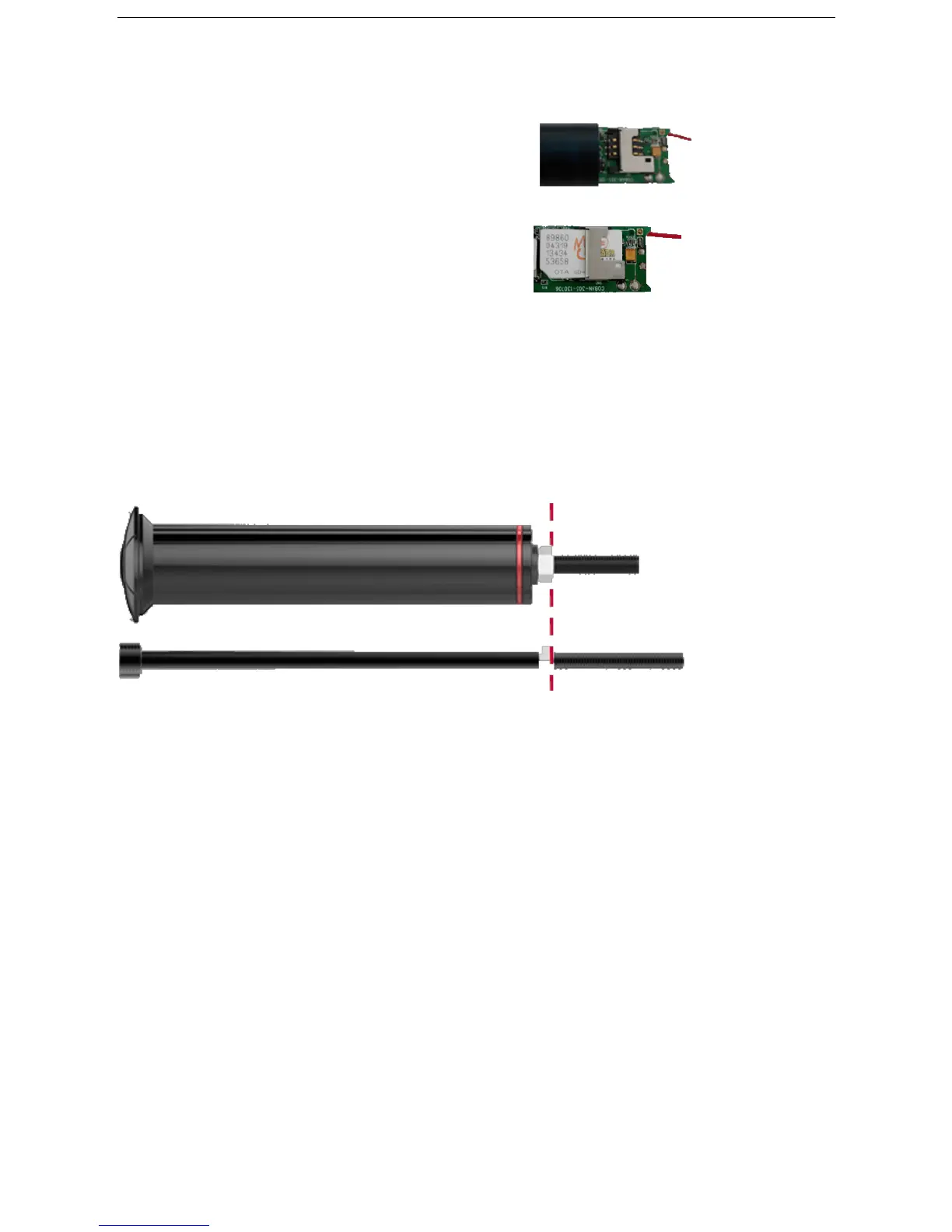
6.1.6 Insert SIM, and then reload the batteries,
connected to the battery positive cable, please be
careful with the battery installation directions.
6.2. Installation
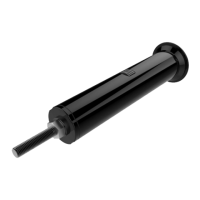
6.2.1Please first check the diameter and length of your bicycle’s head tube to make sure the tracker
can fit in well. Diameter of tracker is 23.5mm, and length is 110mm.
6.2.2 Position the nut of the M6 matching Screw, to match the nut and tracker device.
6.2.3 Rotating the M6 matching screw into the bicycle’s head tube and fix it, then wedging M6 screw
fully into the head tube with a hammer.
6.2.4 Remove M6 screw and load the tracker.
7. Operation instructions
7.1. Working mode
7.1.1 Bicycle mode1 one (default mode)
Send SMS command to tracker device “sleep+password+space+bicycle1”, tracker will reply
“sleep bicycle 1 ok”. In case of no operation in 5 minutes, tracker will enter low power
consumption mode, GSM、GPS、LED shut off. Neither SMS nor Calling can awake tracker


 To Next Page