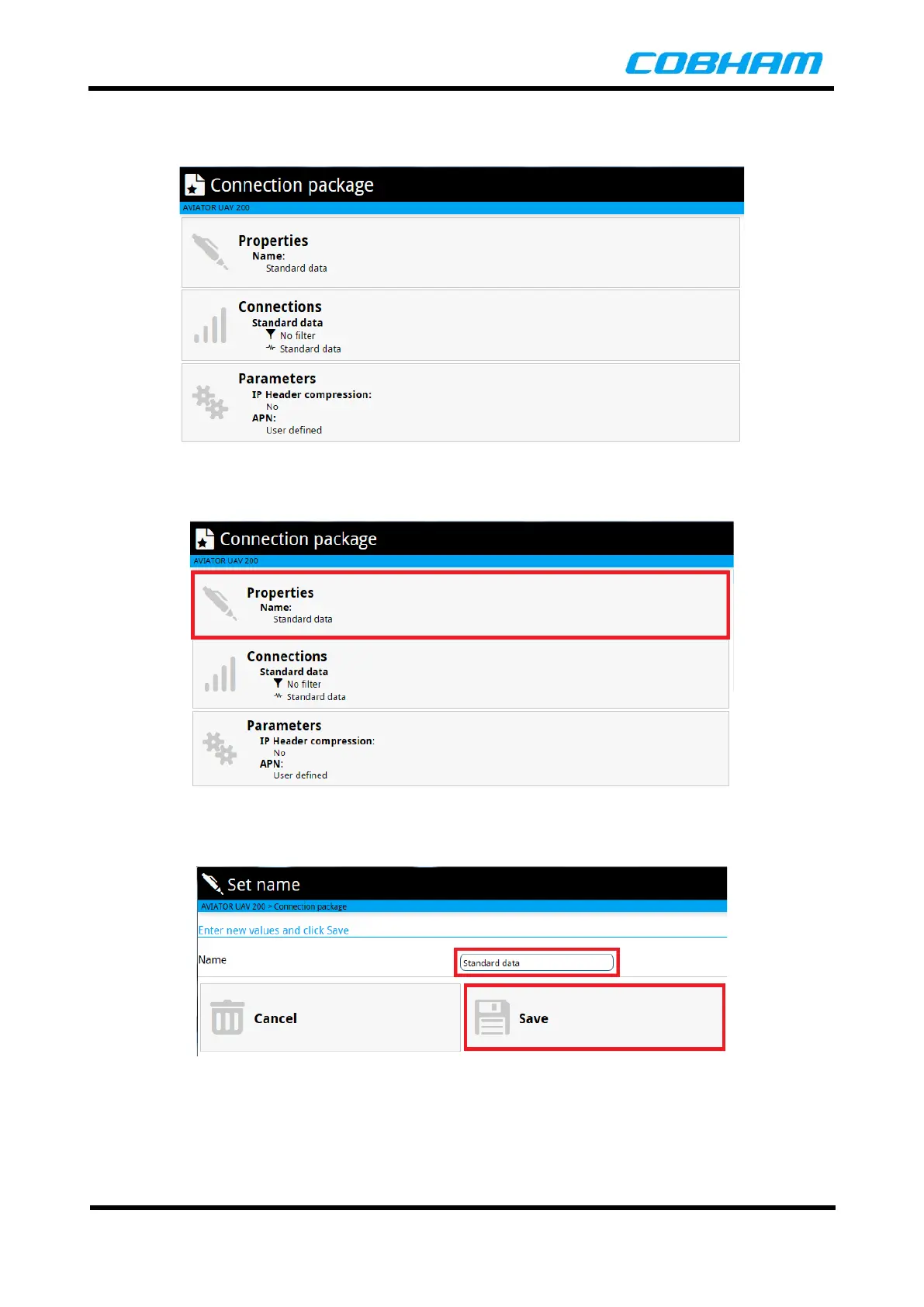
The Connection Package page is then displayed as shown below.
Figure 8-11: Connection Package Page
The name of the Connection can be changed by clicking on the Properties button as shown below.
Figure 8-12: Edit Connection Name
Edit the Name and click on the Save button to accept the change.
Figure 8-13: Edit Connnection Name



 To Next Page