11NUCLEUS 7 SOUND PROCESSOR USER GUIDE
POWER
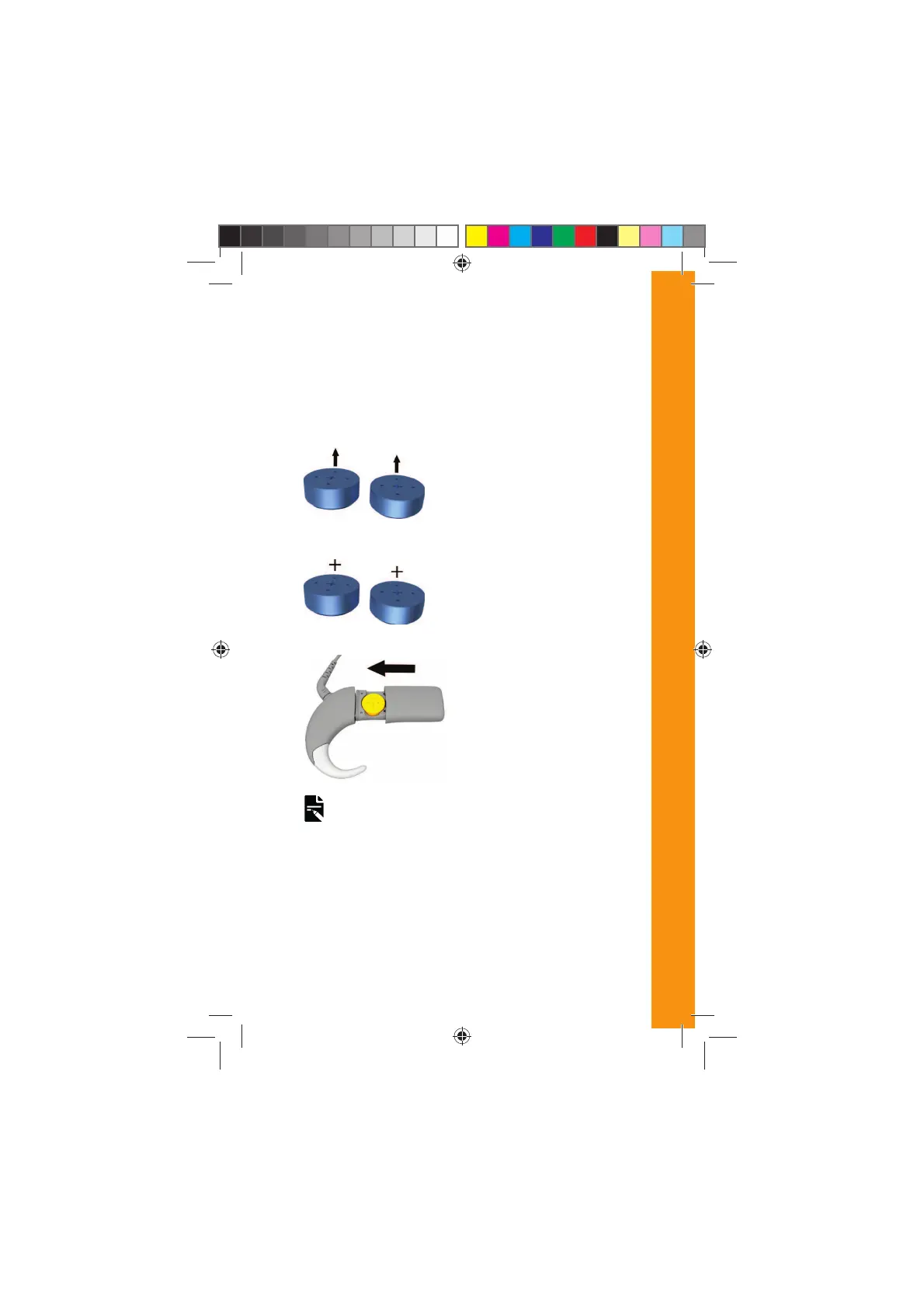
4. Remove the new batteries
from the packet, and let
them stand for a few
seconds.
5. Insert the batteries into
the battery holder with
the flat side (positive
terminal) facing up.
6. Replace the battery cover
by sliding it up towards
the processing unit.
Lock the cover if required
Your processor will
automatically turn on.
NOTE
If you do not put your processor on your implant, it will turn
off automatically after two minutes, if enabled by your
clinician.
DRAFT ONLY FOR CLINICAL TESTING
592753_1-06_EN_CP1000_UG_EMEA.indd 11 14/06/2016 1:22:58 PM



 To Next Page