EasyManua.ls Logo

Code Blue IA4100 - User Manual

Code Blue IA4100
45 pages
Print Icon
To Next Page IconTo Next Page
Loading...
800.205.7186 www.codeblue.com
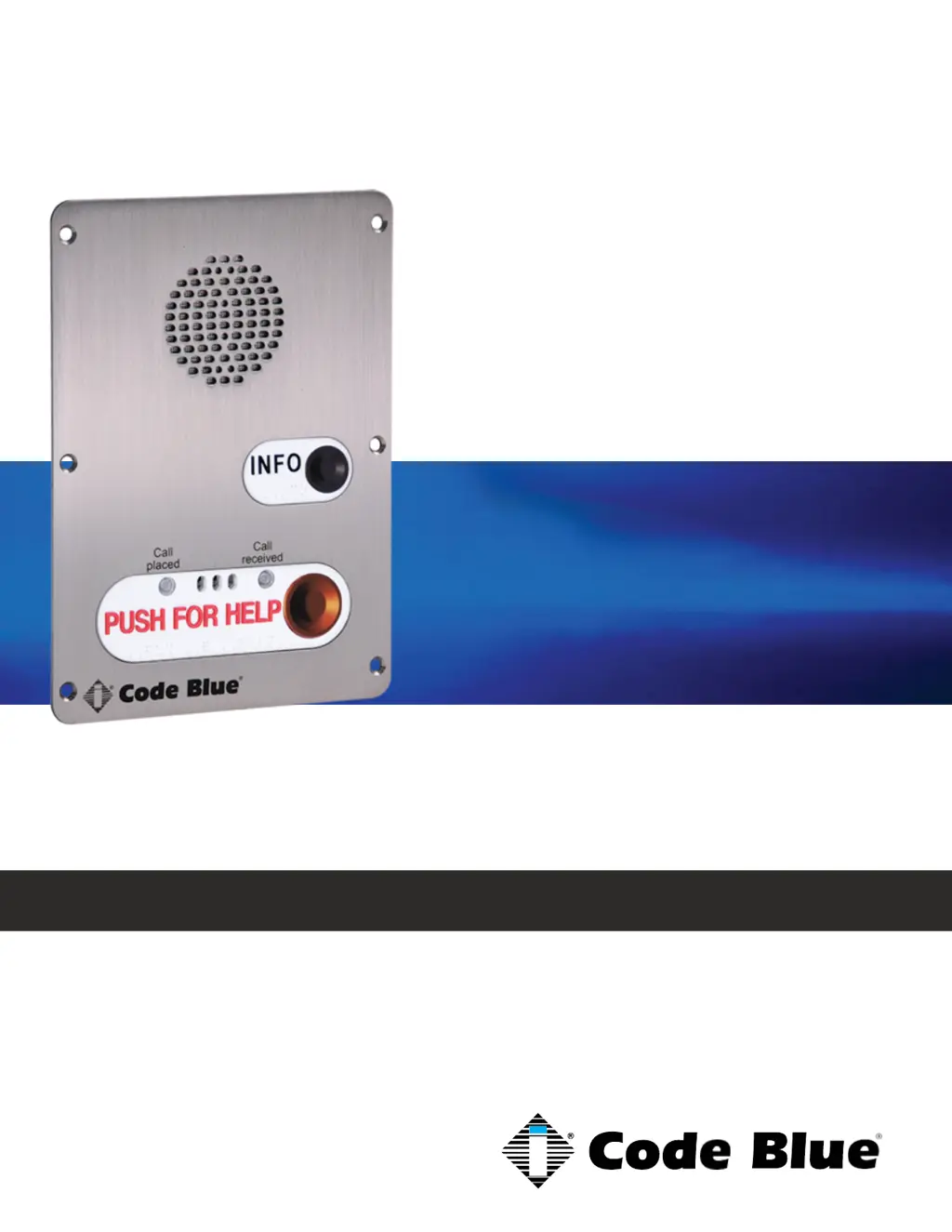
IA4100
Admin Guide
Models: IPAT01, IPAT02, IPAT03
Installation | Configuration | Support | Maintenance | Use
Analog Speakerphone

Other manuals for Code Blue IA4100

Questions and Answers

Summary

2 Introduction

Call Privacy Laws

Explains settings for caller notification of recording.

3 Safety Information

Hazard Levels Legend

Defines symbols for different hazard severity levels.

Safety Instructions

Lists essential safety precautions for installation and use.

Transportation

Provides guidance on safely moving the product.

4 Getting Started

5 Power Requirements

6 Circuit Board Connector List

7 How to Update Connectors

8 Quick Installation Guide

9 Installation

10 Optional Flush Mount Enclosure Installation

Pre-Installation

Details preparatory steps before mounting the enclosure.

Installation Procedures

Outlines the steps for installing the flush mount enclosure.

11 Connecting Power Sources

12 Connecting PSTN;PBX Services

13 Connecting Auxiliary Devices

14 Installation Into Code Blue Units

15 Basic Programming

Normal Programming

Covers standard phone number and setting configurations.

GSM Cellular Programming

Details programming for units with GSM capabilities.

Programming for Hot Line (Ring-Down)

Explains setup for dedicated, always-on calls.

Recording Messages

Guides on creating and assigning custom voice messages.

Commands During a Call

Lists DTMF commands usable by the called party.

16 Advanced Programming

Initial In-Call Commands

Describes commands available immediately after connection.

Commands During a Call

Lists DTMF commands usable by the called party.

Programming Commands

Details specific commands for configuring device functions.

17 IA3000;3100 Changeover to IA4100 Instructions

18 Button and Activation Specifications

19 Troubleshooting

Required Tools

Lists necessary equipment for troubleshooting.

Begin Troubleshooting

Provides initial steps for diagnosing device issues.

IA4100 Phone Not Answering Calls

Offers solutions for when the unit fails to connect incoming calls.

20 Maintenance Schedule

Daily or Weekly Tasks

Outlines routine checks for functional communication.

Monthly or Quarterly Tasks

Details checks for lighting and unit damage.

Biannual Tasks

Specifies periodic inspections of connections and hardware.

21 Warranty

In Case of Breakdown

Instructs on actions to take during system failure.

In Case of Abnormal Operation

Advises on handling unusual unit behavior like smoke.

22 Download Information

23 Legal & Regulatory Information

Legal and Regulatory Considerations

Covers compliance laws for usage and installation.

Disposal and Support Information

Provides guidance on product end-of-life and contact for help.

Code Blue IA4100 Specifications

General IconGeneral
TypeAnalog
LinesSingle Line
Volume ControlYes
MountingWall
HandsetHearing Aid Compatible

Related product manuals